1. Disconnect
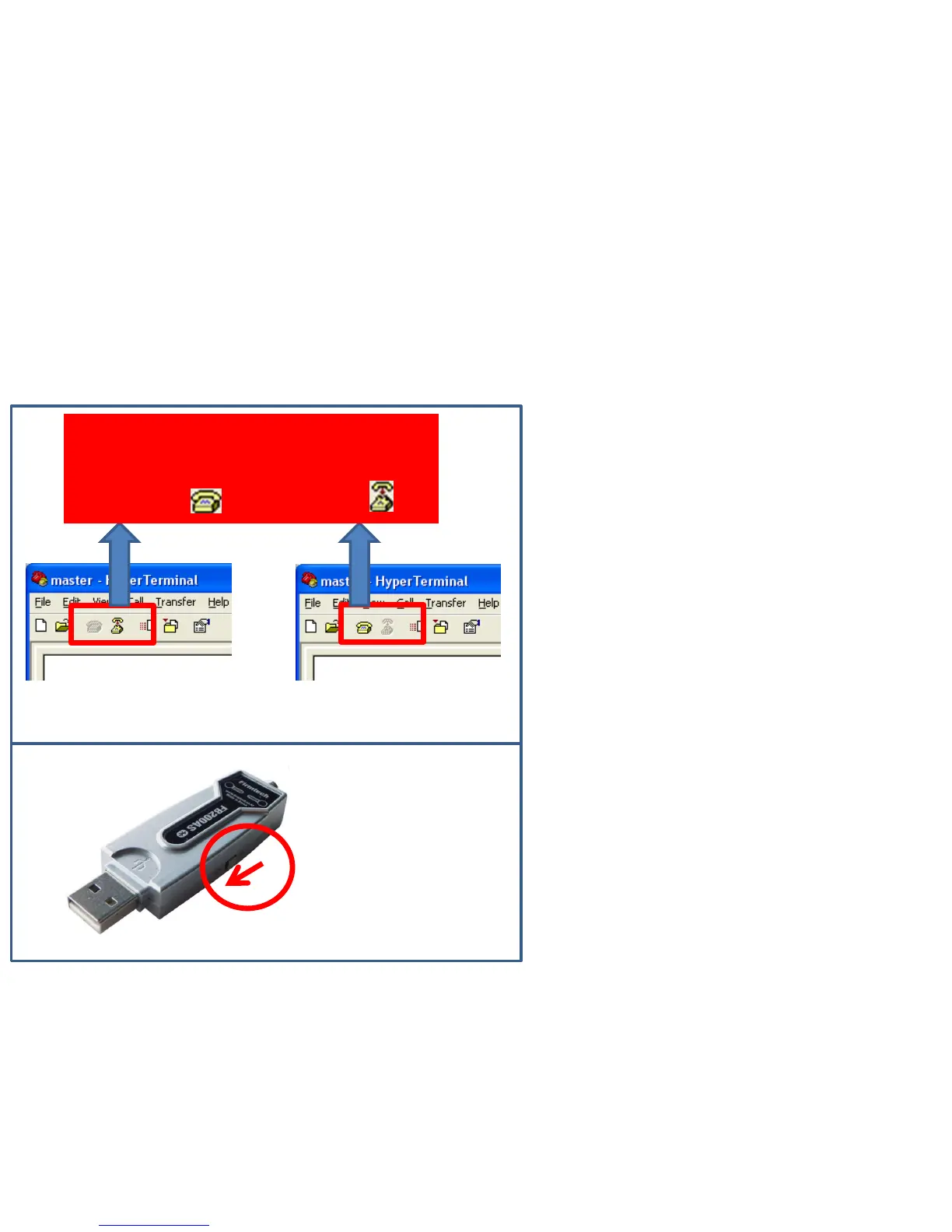
(1) Disconnect Method
FB200AS Power Supply OFF
Disconnected with virtual port on
hyper terminal using virtual port by
changing to( ) after clicking ( ).
< Condition using virtual
serial port >
< Condition not using virtual
serial port >
• Finish hyper terminal or the condition
connected with virtual serial port in
order to finish the connection of
FB200AS.(Please refer to the left in
order to disconnect virtual serial port.)
• The connection of FB200AS Master &
Slave is automatically cut after a
while ,if one side power-supply of
FB200AS is OFF after changing a
virtual serial port into unused-
condition on serial communication
program.


 To Next Page
 Loading...