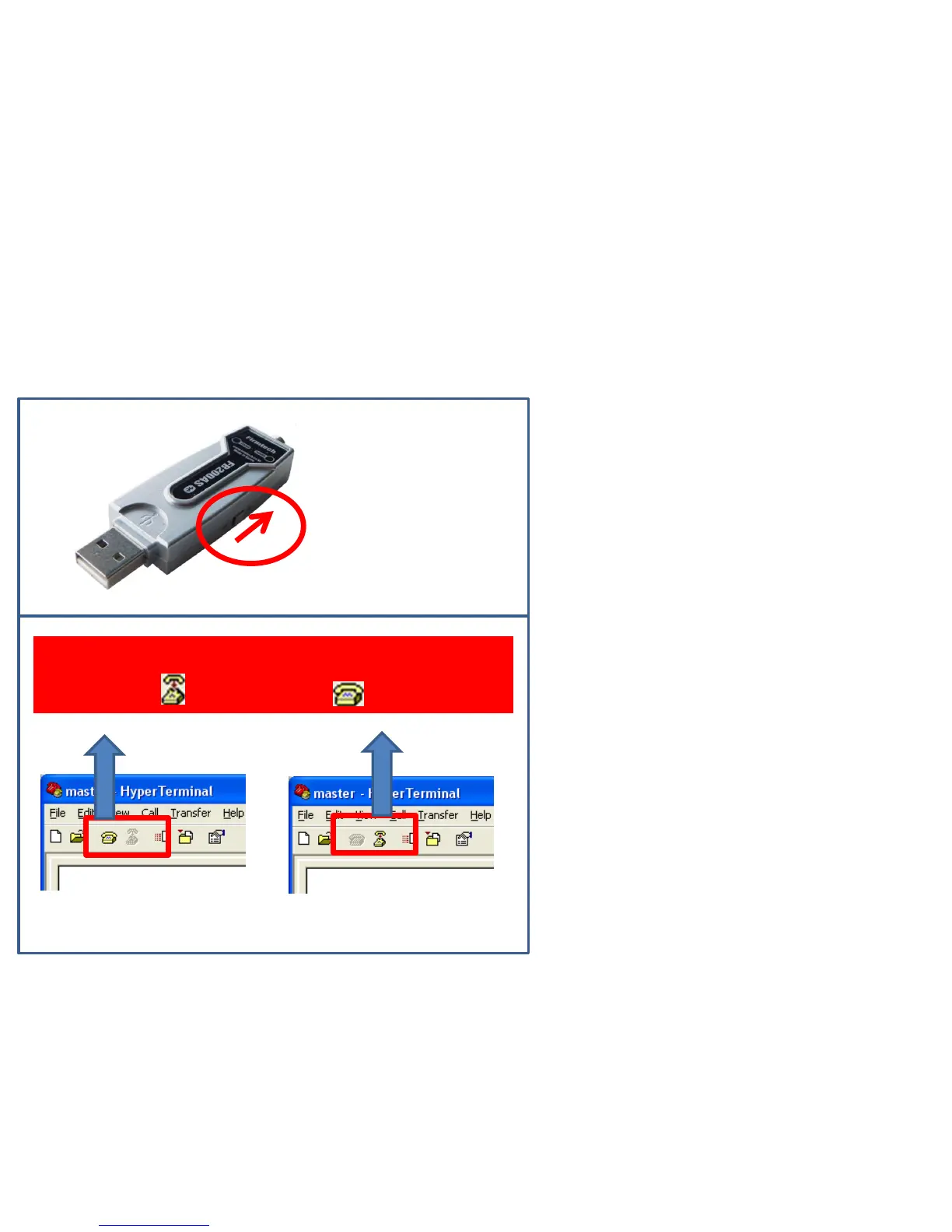
(1) Reconnection method
1. Reconnection
FB200AS Power Supply ON
Reconnected with virtual port on hyper terminal by
changing to( ) after clicking ( ).
< Condition using virtual
serial port >
< Condition not using virtual
serial port >
• Reconnected automatically if press ON
switch of power-supply of FB200AS
Master & Slave device when FB200AS
Master & Slave was progressed a
connection previously,
• Reconnected a virtual serial port
disconnected or executed on hyper
terminal again to communicate after
FB200AS Master & Slave are connected.



 To Next Page