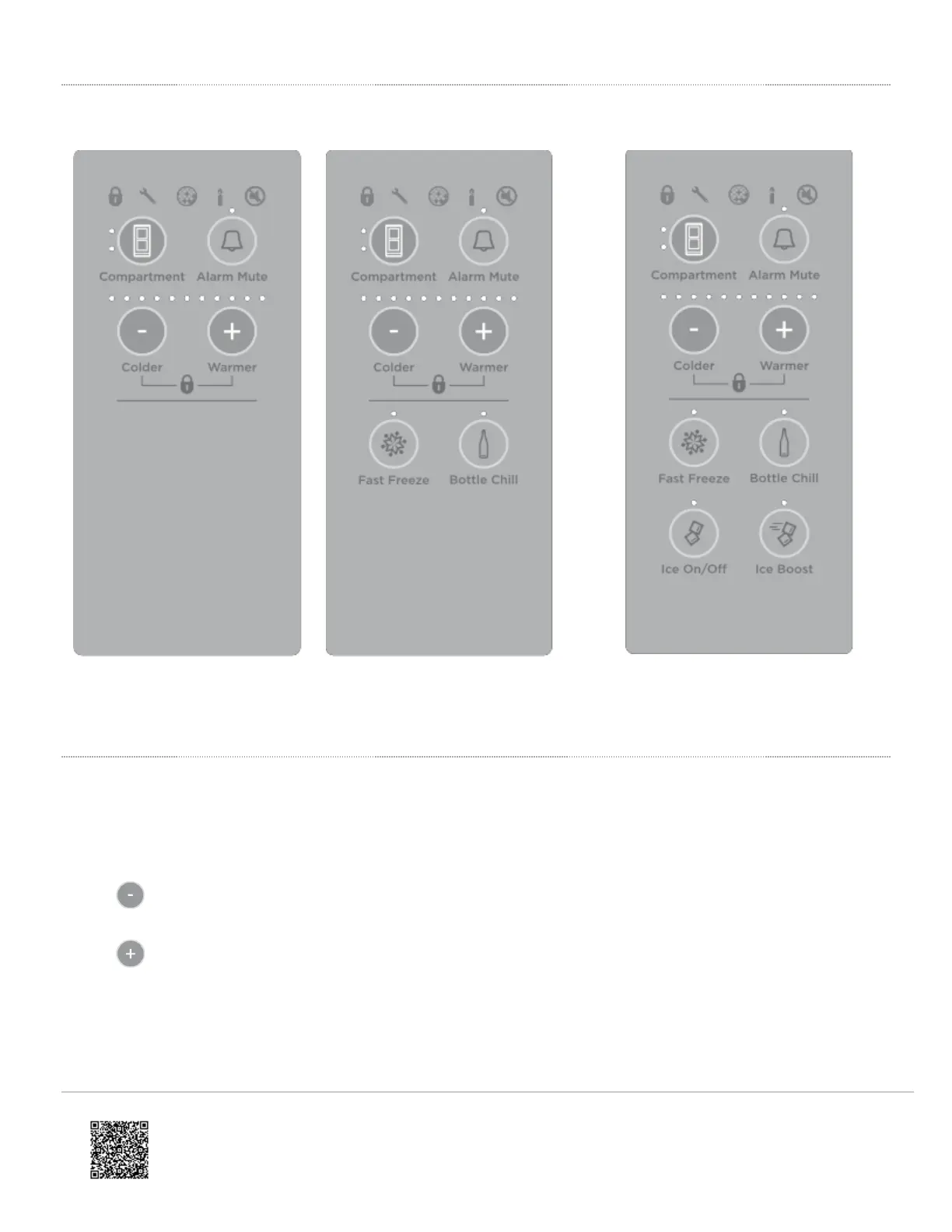
Internal control panel to adjust temperatures
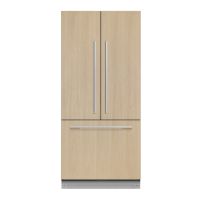
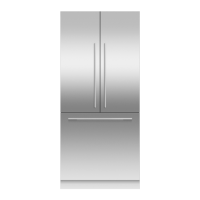
Internal control panel for Tasman
models
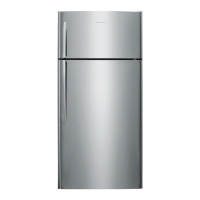
Internal control panel for non-Ice &
Water models
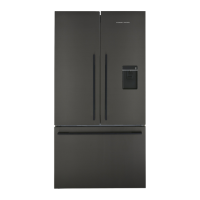
Internal control panel for Ice &
Water models
Fresh food compartment (all models)
• The fresh food compartment light will automatically be illuminated. The temperature for this compartment will
show as a series of lights.
• The temperature may be altered by pressing the
or
buttons. One press on either of these buttons will reduce or increase the number of lights by one which
indicates a small change in temperature.
• Fewer lights illuminated means a cooler temperature for the compartment selected.
https://producthelp.fisherpaykel.com/nz/Cool/French_Door/With_Ice_and_Water/900mm/RF610ADUSX5/User_Guide_RF610…
Updated: Sun, 03 Apr 2022 10:03:05 GMT
Powered by
2


 To Next Page
 Loading...