12
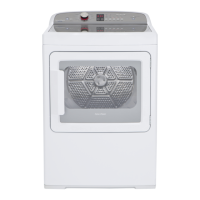
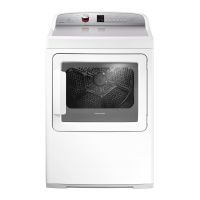
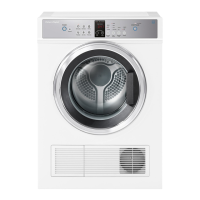
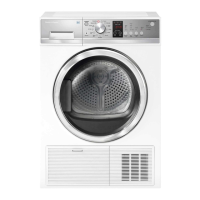
AeroSense™ and AeroLogic™ dryers
It is important to clean the lint filter after every
load, as the lint produced in the drying process
can become a fire hazard if it is allowed to
accumulate in or around your dryer.
The lint filter is located in the door opening.
1
Remove the lint filter, open it out and wipe
clean with your hand.
2
Close the lint filter and place it back in the
opening.
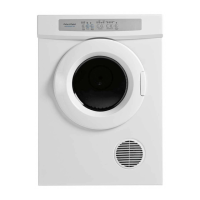
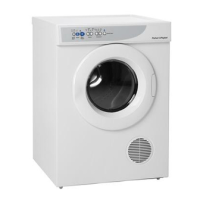
AeroDry™ dryer
The lint filter is located on the door of the dryer
behind the directional outlet grill. Lint should be
removed from the filter after every load.
1
To remove the outlet grill grasp the hub in the
centre of the grill and pull. Wipe the filter clean
with your hand.
2
To replace the grill, locate the hub over the boss
in the centre of the door and push firmly.
Note: do not clean your lint filter by vacuuming
or wetting it, as this may block the fine pores
essential for maximum airflow.
Cleaning the lint filter
Fig. 13 Lint filter – AeroSense™ and
AeroLogic™ dryers
Fig. 14 Lint filter – AeroDry™ dryer



 To Next Page
 Loading...