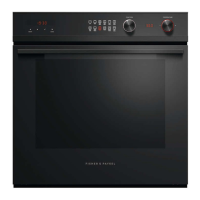
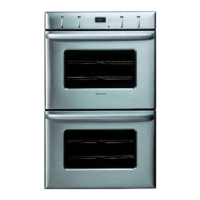
Using your oven - before you start
Setting the clock
When your oven is connected to a power supply for the first time, a tone will sound and the
clock display will lig ht up. The clock display will show'12:00' and the colon ( : ) will flash. Next,
set the clock.
Importand
You must set the clock before you can use the oven.
To set the dock
1 While the colon (:) is flashing, rotate the PUSHTo f-_ button until the correct time is showing.
CLEAR -
2 Press the CLOCK button to set the time, or wait eight seconds and it will set automatically.
Referto'User preference settings'for instructions on how to change between 12-hour and 24-
hour display.
0 0 0 0
TIMEI_ coo_ _EM StOP lIME Pt_O_E
UPPER
o_
LOWER Clock disphy
b CLOCK button
--allows you to set the clock
_c PUSH TO f-_
CLEAR -
--turn this button to set the dock, timer,
probe temperature, cook time, stop time
--press this button to clear the display



 To Next Page
 Loading...