25
PREFERENCES
Changing the settings
Ensure there is no wash in progress, then
open the drawer.
Press and hold
and together for
four seconds.
Press
to scroll through the
available options. The wash modifier
indicators will display which setting is
selceted. Refer to 'Settings displays'
for details.
Press
to change the setting within
an option. The wash program indicators will
display which setting is selected.
Press
to save the new setting and leave the
preference menu. If at any time, you want to
exit the menu, press and hold to cancel.
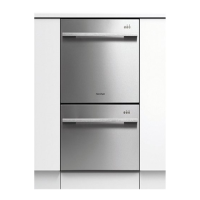
Double models only
You can use either drawer to change the
settings. Changing the settings in one tub will
set your preferences for both drawers.
1
2
3
4


 To Next Page
 Loading...