14
Using the oven controls
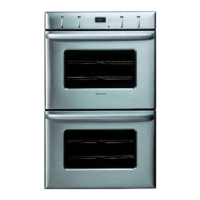
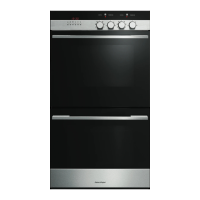
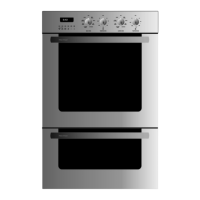
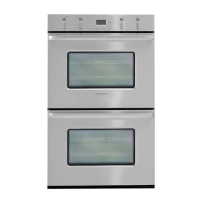
In double ovens controls on the left are for the upper oven and controls on the right are for
the lower oven. Pushing the oven cavity selector button lets you toggle between the oven
cavities, for example if you are setting automatic programs.
a
TIMER button
b
COOK TIME button
c
STOP TIME button
d
PROBE button
e
CLOCK button
f
PUSH TO
CLEAR
button (rotate/press)
g
Upper oven cavity display
h
Lower oven cavity display
i
Oven cavity selector button -
press this button to toggle between
upper and lower cavity settings
g, h, and i are on double models only
Timer
The timer can be used at any time, even when the oven is not in use.
To set the timer
1
Press the TIMER button. The TIMER symbol and the colon will flash in the clock display.
2
Rotate the
PUSH TO
CLEAR
button until you have the time you need. Press the TIMER button or wait
eight seconds for the setting to be adopted and the timer will begin to count down.
3
To cancel the timer, press the
TIMER button then the
PUSH TO
CLEAR
button.
4
When the set time finishes the
TIMER symbol and will flash and the oven will beep. Press
the
TIMER or
PUSH TO
CLEAR
button to stop the beeping and clear the timer.
The timer does not turn the oven off.
g
h
f
i
decba


 To Next Page
 Loading...