25
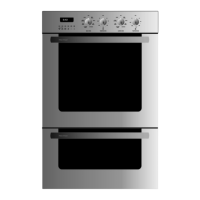
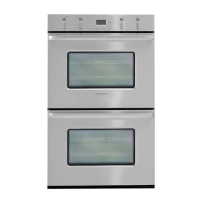
Control panel lock
Locking the control panel disables all the buttons and dials which can be useful when
cleaning oven surfaces or preventing accidental bumps and unauthorised use. The control
panel can only be locked when the oven mode and temperature are OFF.
To lock the control panel
Press the
PUSH TO
CLEAR
button and hold down for five seconds. The LOCK symbol will appear in
the clock display. Repeat to unlock.


 To Next Page
 Loading...