49
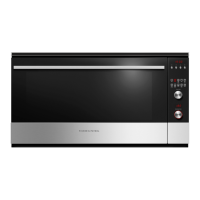
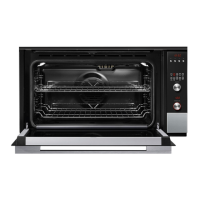
8.5 Removal of the Control Panel
1. Ensure the product is isolated from the power
supply.
2. Open the oven doors and remove the two screws
on either side of the oven frame securing the oven
to the joinery.
3. Slide the oven forward out of the joinery to gain
access to the control panel screws, approx
200mm.
4. Remove the 4 screws securing the control panel,
pull slightly forward to release from the frame and
remove the wiring harness to the control module .
Warning! This oven is heavy to move and care should
be taken to use correct lifting techniques.
Harness


 To Next Page
 Loading...