20
1
Dispenser lock button
and LED light
Locks/unlocks the water dispenser. The LED above the lock
button will illuminate when dispenser is locked.
2
Bottle Chill indicator
Icon will illuminate when
BOTTLE CHILL isactivated and
flashes when the beverage is ready.
3
Filter change indicator
Icon will illuminate when water filter requires changing.
4
Drip tray
The drip tray is designed to fit into the bottom of the water
dispenser panel to capture any odd drips of water that may
fall after dispensing.
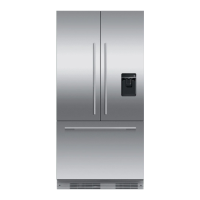
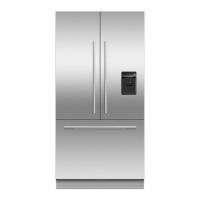
Water dispenser (Ice & Water models only)
USING YOUR APPLIANCE
To dispense water, gently press the
dispensing pad with a glass or container.
To stop the flow of water, simply pull your
glass or container away from the dispensing
pad.
Pressing hard against the dispensing pad
will not increase the flow or dispense more
water.
Dispensing
Your water dispenser is designed for one-handed operation.
3 2 1
4


 To Next Page
 Loading...