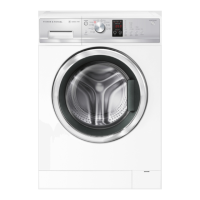
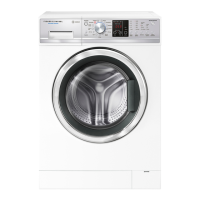
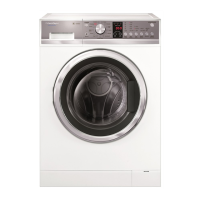
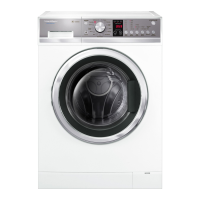
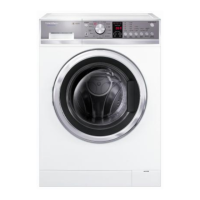
2. Press and hold the KEYLOCK and WASH TEMP buttons for at least 3 seconds, after which
time two beeps will sound.
Diagnostic mode may be entered while the product is running.
11.1 Self Test
Select the SPIN cycle then press the WASH TEMP button to activate the test program.
• 88:88 appears in the display and the door will lock. Once the door locks, 77:77 appears in the display.
Press the START/PAUSE button
• 77:77 will remain in the display and the hot valve turns on.
Press the START/PAUSE button
• 77:77 still remains displayed and cold valve 1 “Main Wash” turns on.
Press the START/PAUSE button
• 77:77 still remains displayed and cold valve 2 “Pre-Wash” turns on.
Press the START/PAUSE button
• 77:77 still remains displayed and cold valve 1 + Cold Valve 2 “Softener” turns on and will keep filling
until the water level is correct for the heater test.
• 66:66 is displayed and the heater turns on for 10 seconds.



 To Next Page
 Loading...