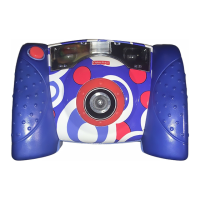
Disconnecting Your Camera
• Unplug the USB cord from your computer, then your camera. The camera shuts off automatically.
• To disconnect your camera, click “eject disk”
on your computer's task bar.
• Select the “USB Mass Storage Device” (your camera) and click “stop”.
• Click “OK” to confi rm.
• A message will appear on your computer screen advising you to remove your device (camera).
20


 To Next Page
 Loading...