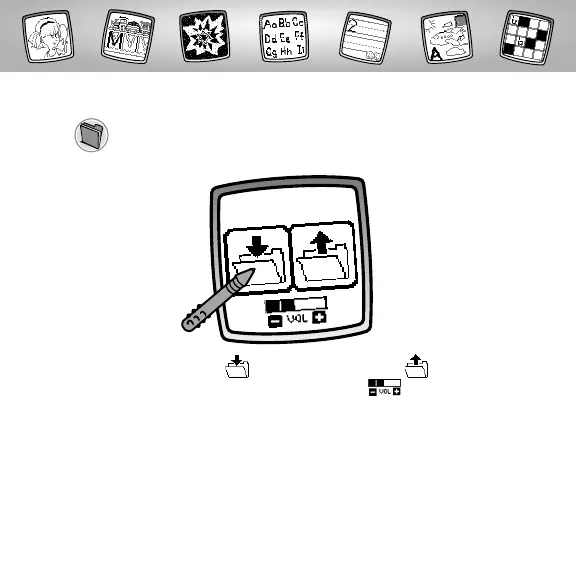
Save It! (and Adjust the Volume)
Touch to save or retrieve your drawing (only with Alphabet
Art activity); or adjust the volume (at any time).
Touch IN file to save; touch OUT file to
retrieve; touch the Volume Control to
increase or decrease it to a comfortable level.
Hints:
- You can save one picture at a time! Each time you save a picture, it replaces
the one already there.
- After you save a picture,it will appear on your screen again.To make a new
drawing, choose another activity/tool.
22



 To Next Page