23
3D STRUCTURE MAPPING STEPS
Place FishHunter in water for it to turn on.
(Note: it must be in 4ft of water or more to work correctly.)
Open your Wi-Fi settings and select "FishHunter Wi-Fi XXX"
Open the FishHunter app and go into the sonar section.
Select the FishHunter sonar icon.
Select “START FISHING”.
Select the “3D Structure Mapping” icon within the FishHunter™
app from your phone/ tablet screen.
Cast/drop FishHunter into the water in the area you would like
to map.
Follow the steps to create and save a Map.
1
2
3
4
5
6
7
8
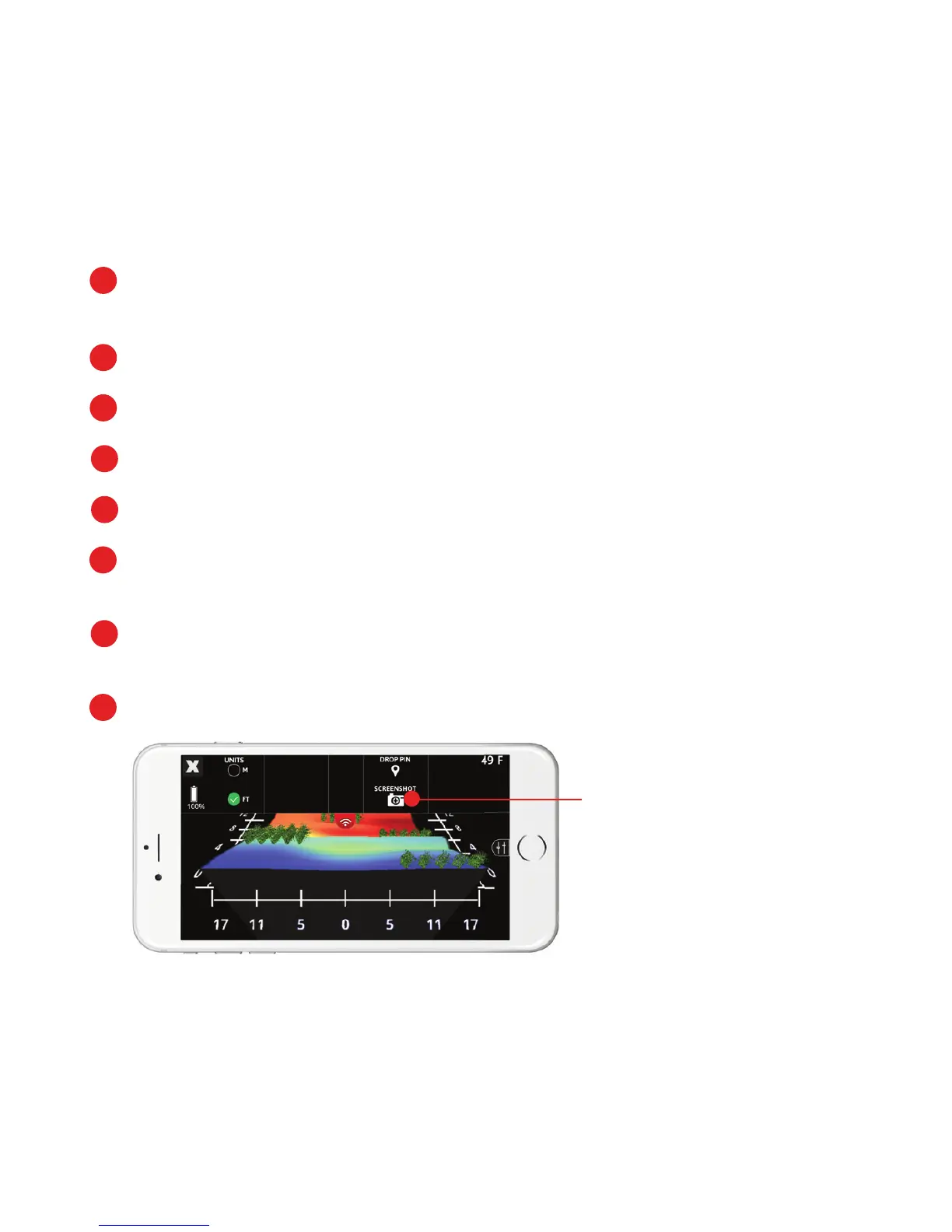
TOP MENU
You can screenshot your
maps from the top menu.
Note: All 3D Structure Maps are auto-saved and can be found in Maps
section on main sonar screen.



 To Next Page