39
MENUS AND SETTINGS
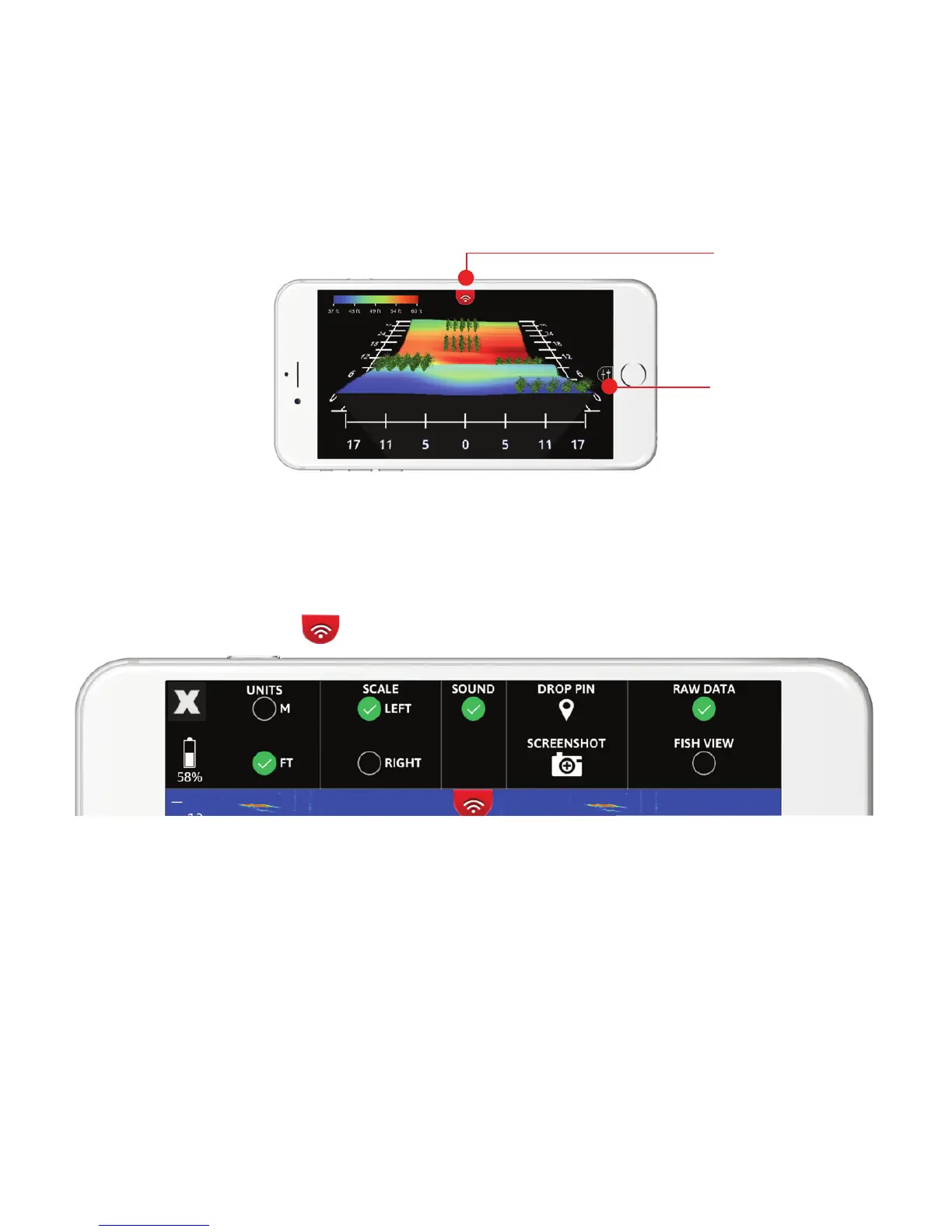
There is one top menu and one side menu located within your
FishHunter App. Each of these menus can be called by
pressing on the small slider like icon on your screen.
TOP MENU OPTIONS
Top Menu
Side Menu
X: Clicking on this icon will take you back to the view options
(for iOS only. For Android, you use the BACK Button)
Battery Life: shows battery charge level of sonar
Unit of Measurement: select the units you wish to display your
depth and temperature in (M:metric or FT: imperial)



 To Next Page