43
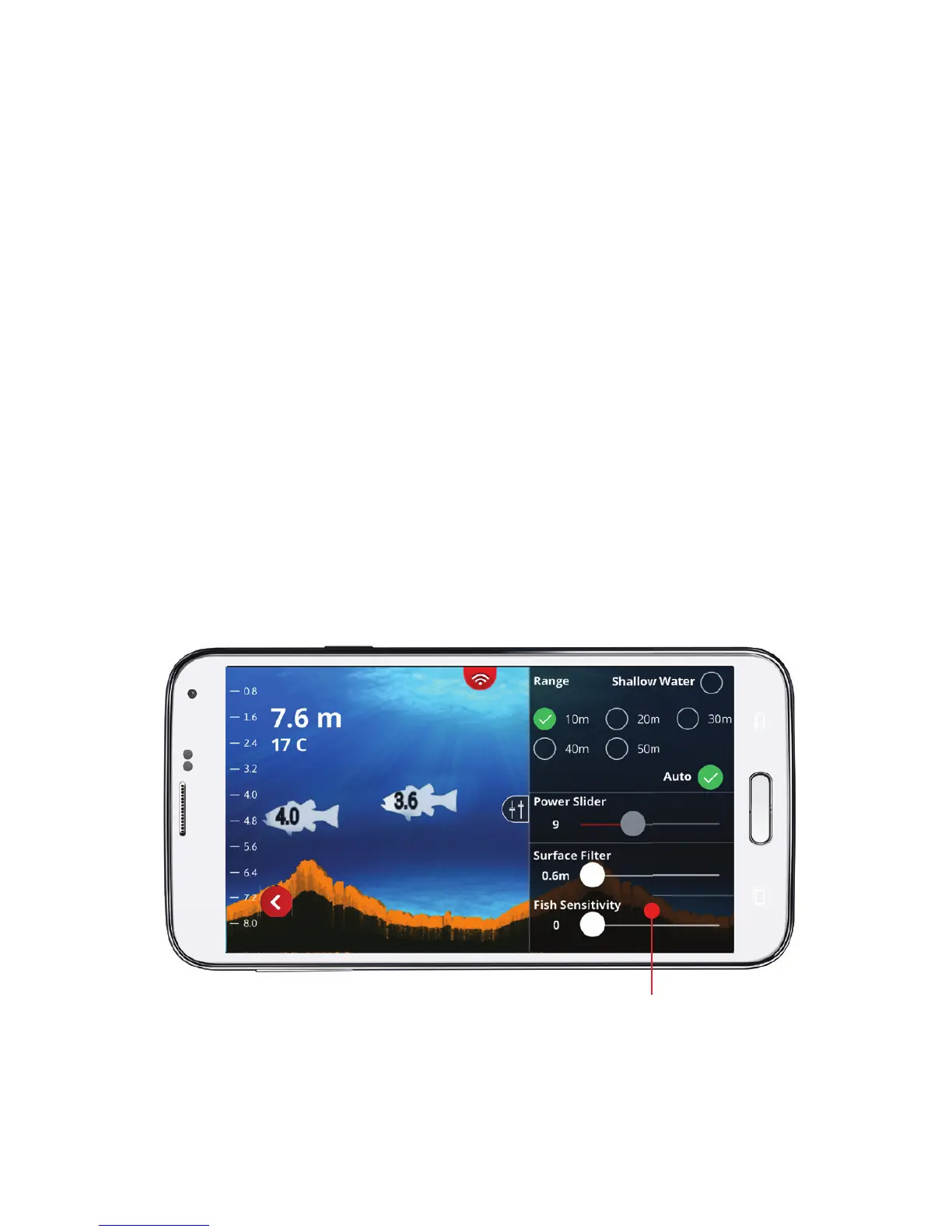
Fish Sensitivity Slider:
The Fish Sensitivity Slider adjusts how sensitive the
FishHunter is at detecting fi sh in the water column/body. As you
move the slider from left to right you can increase the
sensitivity of your FishHunter from 0 to 5, with 5 being the most
sensitive. The Fish Sensitivity Slider can be changed in real time,
so you can see the direct impact each position change has on
having the FishHunter display and notify you of fi sh that have
been found in FISH VIEW. Sometimes, you will want the
FishHunter to detect and display all the fi sh no matter how
small they are, and other times you will want the
FishHunter to detect and display only large fi sh. The Slider
provides you a means to customize the FishHunter to your
fi shing preference.
Fish Sensitivity Slider



 To Next Page