EasyManua.ls Logo

Fitpod X - Device Operation; On;Off; Vaping Instructions; Lock;Unlock Fire Button

Default Icon
13 pages
Print Icon
To Next Page IconTo Next Page
To Previous Page IconTo Previous Page
Loading...
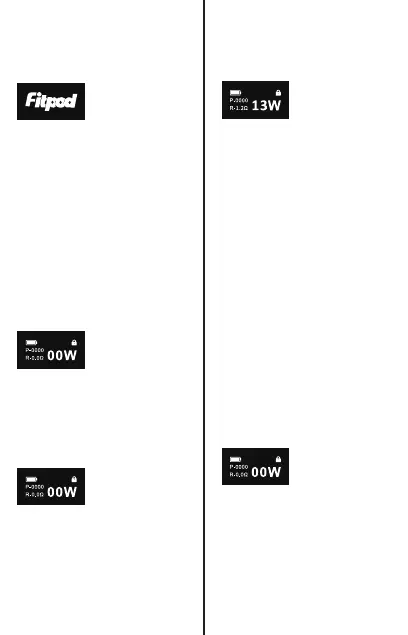
4. Wattage Adjust
Press the fire
button 3 times
within 2 seconds.
The “W” on the
screen will flash.
Press the fire
button to adjust
the wattage.
Each press
increases the
power by 1W.
Once the
maximum limit is
reached, it will
reset to 5W.
0.8Ω best at
12-15W
1.2Ω best at
10-13W
Follow these
suggestions for
the best vaping
experience.
5. Reset Puffs
With the pod
removed, hold the
fire button for 5
seconds to reset
the puff count.
1. On/Off
On: Press the fire
button 5 times
within 3 seconds
to turn on. Once
“FITPOD”
appears, you'll be
taken to the main
interface.
Off: Press the fire
button 5 times
within 3 seconds.
“SYSTEM OFF” will
be displayed for 2
seconds before
turning off.
2. Vaping
Position your
mouth over the
drip tip, then
press the fire
button or inhale
through the drip
tip to start vaping.
3. Lock/Unlock
Press the fire
button 4 times in
2 seconds to lock
the fire button.
Unlock: Press the
fire button 4 times
in 2 seconds to
unlock the fire
button.