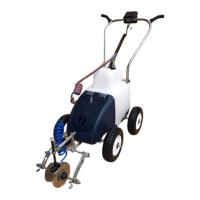
LINE MARKING WITH YOUR KOMBI RANGER LINE MARKER
WARNING HIGH PRESSURE - THE KOMBI RANGER LINE MARKER
HAS A WORKING PRESSURE OF UP TO 80psi. DO NOT OPEN ANY
PIPE JOINTS WHILST THE PUMP IS OPERATING.
Setting the pressure
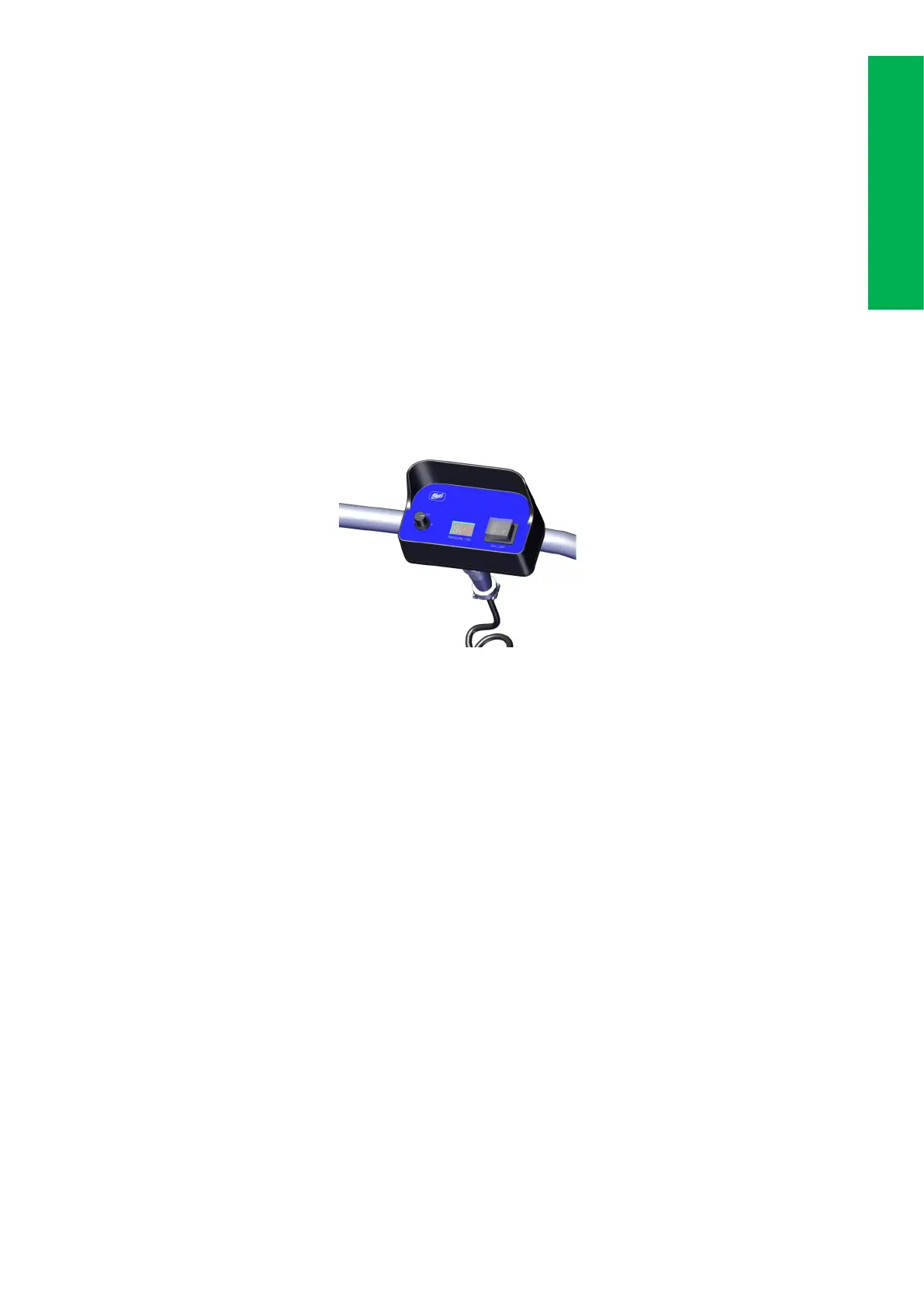
The pressure of the spray can be adjusted for different applications by
turning the pressure adjustment knob clockwise/anticlockwise on the
control panel. The digital display will indicate machine pressure.
NOTE: The lower the pressure, the greater the paint economy. Pres-
sure below 18psi will not overcome the DCV (Drip control valve) and
therefore will not spray.
Marking a line
1. Ensure there is correctly mixed product in the paint tank.
2. Ensure the battery is fully charged
3. Paint/water valve is in the ‘paint’ position (lever pointing forward)
4. Ensure the flow return tap is in the OFF position (tap lever at 90 de-
grees to the hose)
5. Switch the pump ON and immediately start walking at a steady
speed along the guide line. The guide line could be a previously
marked line, string or chalk line.
6. At the end of the line switch the pump OFF and stop walking.
7. Lift the line forming discs from the surface and position the machine
at the start of the next line.
8. If there is to be a break in marking always flush the nozzle with water
using the Paint/water change over tap. Briefly flush the nozzle into a
container or on waste ground away from the pitch area. Refer to
page 12.
Operation
10


 To Next Page
 Loading...