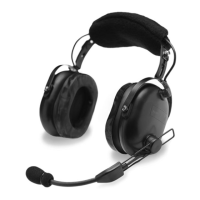
• Insert the larger plug into the jack marked “headphone” or “phone”.
• Insert the smaller plug into the jack marked “microphone” or “mic”.
• Set the stereo/mono switch on the cable splitter box to the “M” position.
If connecting to a stereo intercom, set the switch to the “S” position.
• Adjust headband slider and mic boom for proper fit and comfort.
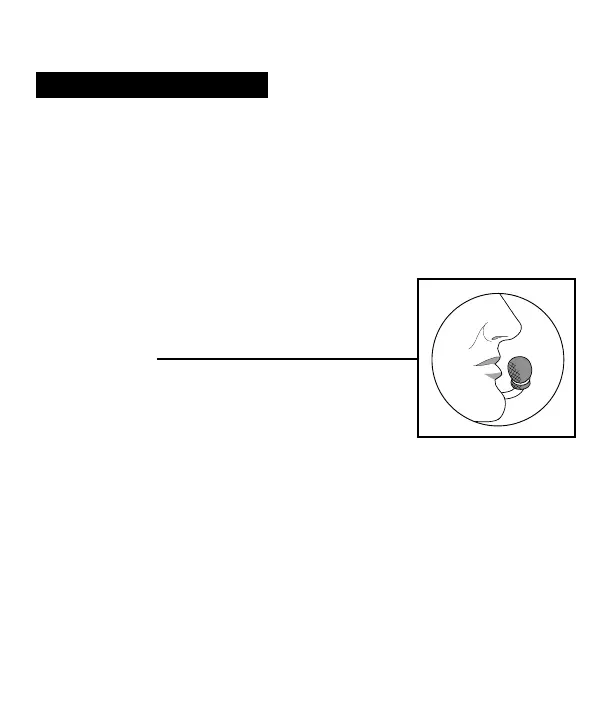
• Place the microphone no more than 1/8” from
lips, at the corner of the mouth. This is critical to
the performance of the noise canceling electret
microphone.
• A volume control is provided to reduce the level
of audio in each ear dome.
If the aircraft does not have a built-in push-to-talk (PTT) switch, a portable
PTT switch must be installed in order to use the radio. The master gain
control located in the aircraft radio should be optimized by an avionics
technician whenever adding a new model microphone to the system.
INSTALLATION


 To Next Page
 Loading...