EasyManua.ls Logo

FLIR Raymarine i70s - User Manual

FLIR Raymarine i70s
114 pages
Print Icon
To Next Page IconTo Next Page
Loading...
INSTALLATION & OPERATION
INSTRUCTIONS
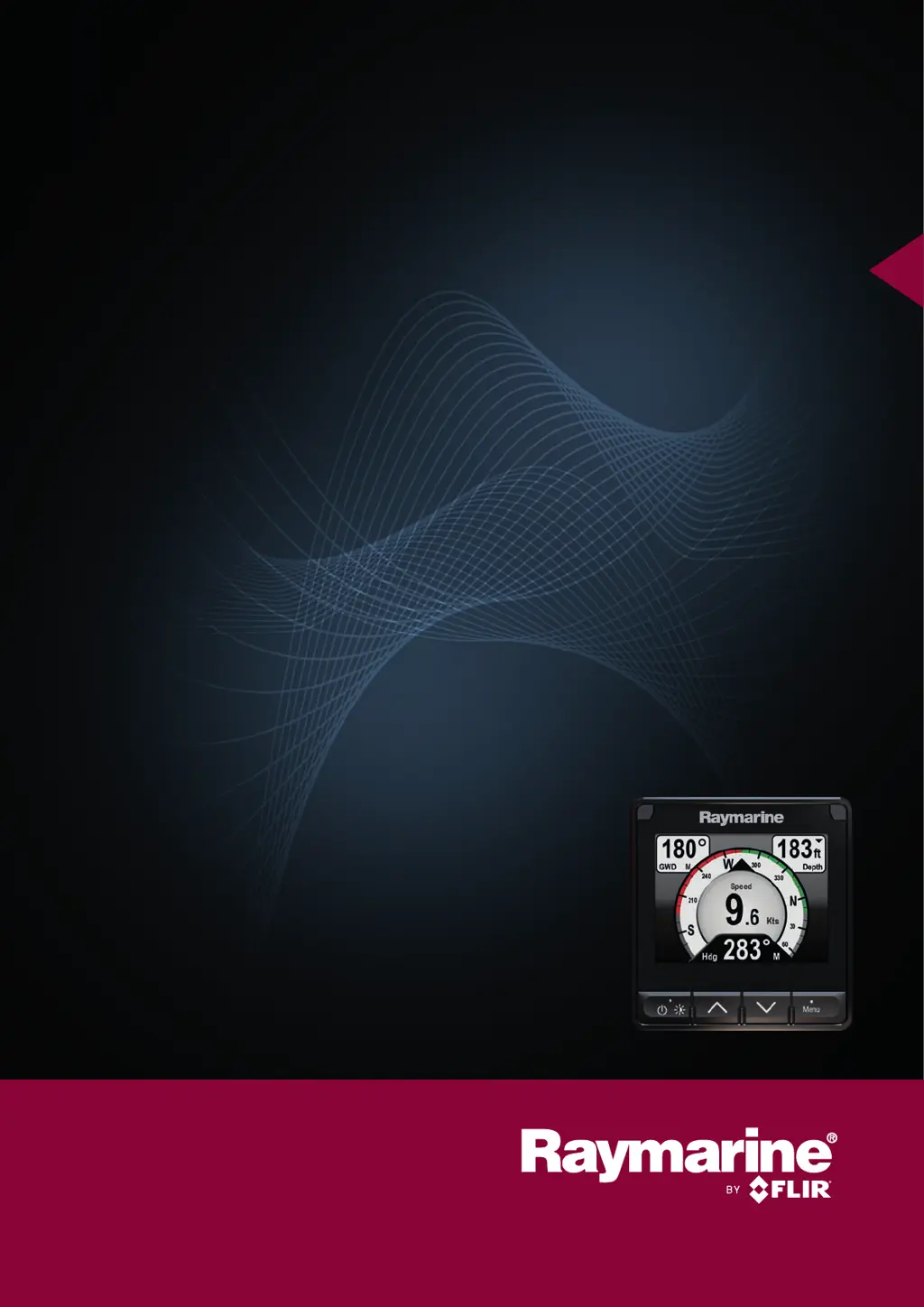
i70s Instrument
© 2016 Raymarine UK Limited
81364-1Document number:
05-2016Date:
English (EN)

Table of Contents

Questions and Answers

  • E
    erica87Aug 1, 2025
    What to do if my FLIR Marine Equipment display behaves erratically with frequent unexpected resets and system crashes?
    • R
      richardsimpsonAug 2, 2025
      If your FLIR Marine Equipment display is behaving erratically, with frequent unexpected resets and system crashes, consider the following: * Check the relevant fuses and breakers. * Ensure the power supply cable is sound and all connections are tight and free from corrosion. * Verify that the power source provides the correct voltage and sufficient current. Performing a factory reset may resolve the issue, but note that this will erase all settings and data stored on the product, so save any important data beforehand.
  • D
    Danny BryanAug 7, 2025
    What to do if my FLIR Marine Equipment product will not boot up (re-boot loop)?
    • A
      Ashley BuchananAug 7, 2025
      If your FLIR Marine Equipment product will not boot up, exhibiting a reboot loop, the issue might be related to the power supply and connection. Refer to the solutions for 'Product does not turn on or keeps turning off'. In the event that the product's software has become corrupted, try re-flashing the latest software. As a last resort, you can try to perform a ‘Power on Reset’; however, this will delete all settings, presets, and user data and revert the unit back to factory defaults.
  • M
    Megan LindseyAug 12, 2025
    What should I check if instrument, engine or other system data is unavailable at all FLIR Marine Equipment displays?
    • E
      Edgar RyanAug 12, 2025
      If instrument, engine, or other system data is unavailable at all FLIR Marine Equipment displays, check the following: * Ensure that data is being received at the display by checking the data bus wiring and connections. * Check the overall integrity of the data bus wiring. * Verify the source of the missing data, such as the instrument display or engine interface, to ensure it is operating. * Check the power to the SeaTalk bus.
  • T
    timothywaltersAug 17, 2025
    What should I check if instrument or other system data is missing from some but not all FLIR Marine Equipment displays?
    • J
      Jonathan DavisAug 17, 2025
      If instrument or other system data is missing from some, but not all, FLIR Marine Equipment displays, it might be a network problem. Check that all required equipment is connected to the network. Check the status of the Raymarine network Switch. Check that SeaTalkhs / RayNet cables are free from damage.
  • E
    Erik HarrisAug 22, 2025
    Why is position data not displayed on my FLIR Marine Equipment VHF radio?
    • G
      Gerald RossAug 22, 2025
      If position data is not displayed on your VHF radio, it could be due to the VHF radio NMEA 0183 input not being isolated or having incorrect polarity. Check that the radio has an Isolated NMEA 0183 input and verify the polarity of the NMEA 0183 wires.
  • V
    Victor HolmesOct 27, 2025
    Why does my FLIR Marine Equipment product not turn on or keep turning off?
    • J
      James ReynoldsOct 27, 2025
      Your FLIR Marine Equipment might not be turning on or keeps turning off due to several reasons: * A blown fuse or tripped breaker. Check the condition of the relevant fuses, breakers, and connections, and replace if necessary. If the fuse keeps blowing, inspect for cable damage, broken connector pins, or incorrect wiring. * A poor, damaged, or insecure power supply cable or connections. Ensure the power cable connector is fully inserted and locked. Inspect the power supply cable and connectors for damage or corrosion, replacing if needed. Flex the power cable near the display connector to see if it causes the unit to reboot or lose power. Also, verify the vessel's battery voltage and the condition of the battery terminals and power supply cables, ensuring they are secure, clean, and f...

Summary

Important Information and Safety Precautions

Product Installation and Operation Warnings

Product must be installed and operated per instructions. Failure may cause injury or damage.

Potential Ignition Source Warning

Product is not for hazardous atmospheres. Do not install near fuel or engines.

Product Grounding and Power System Warnings

Ensure correct grounding and do not connect to positive ground systems.

Switch Off Power Supply

Ensure vessel power is OFF before installing or disconnecting equipment.

Power Supply Voltage and Protection

Do not exceed voltage rating; use fused or breaker protection.

Planning the Installation

Installation Checklist

Lists key activities for a successful system installation.

Warnings and Cautions for Installation

Important safety advice before starting the installation process.

General Location Requirements

Considerations for choosing a suitable mounting location for reliable operation.

Cables and Connections

SeaTalkng Power Supply

Details power requirements and connection points for the SeaTalkng backbone.

SeaTalkng Network Connections

Illustrates connection of i70s to a SeaTalkng system with Evolution autopilot.

NMEA 2000 Connection

Guidance on connecting NMEA 2000 devices to a SeaTalkng backbone.

Transducer Connections

Details on connecting transducers via iTC-5 or transducer pods.

Mounting the i70 s Display

Mounting Instructions

Detailed steps for surface mounting the unit and fitting the gasket.

Getting Started with the i70 s

Completing the Startup Wizard

Guides initial setup for language, boat type, and welcome screen.

Transducer Calibration Procedures

Depth Calibration and Offset

Setting depth offsets for waterline or keel to represent true depth.

Speed Calibration Methods

Calibrating speed using SOG, manual methods, and speed run calibration.

Wind Calibration and Alignment

Procedures for calibrating wind vane and aligning the transducer.

Compass Calibration

Swinging the compass and setting compass offset for deviation correction.

Automatic Identification System (AIS)

Instrument Alarms

Alarm Types and Functions

Overview of alarms like Anchor, Depth, Speed, and MOB alerts.

Alarm Settings and Thresholds

Configurable alarm thresholds for various parameters like depth and speed.

System Setup Menu

Setup Menu Options

Configures transducers, user preferences, network groups, and data sources.

System Checks and Troubleshooting

General Troubleshooting Guide

Provides causes and corrective actions for common installation problems.

Power Up Troubleshooting

Solutions for issues like unit not turning on or reboot loops.

System Data Troubleshooting

Addresses problems with data sharing between connected equipment.

Miscellaneous Troubleshooting

Solutions for erratic behavior, system crashes, or software mismatches.

Performing a Factory Reset

Steps to reset the unit to factory default settings, erasing all data.

Technical Support and Product Information

Technical Specifications

i70 s Technical Specifications

Key electrical, environmental, and display specifications for the unit.

FLIR Raymarine i70s Specifications

General IconGeneral
BrandFLIR
ModelRaymarine i70s
CategoryMarine Equipment
LanguageEnglish