9
Operation
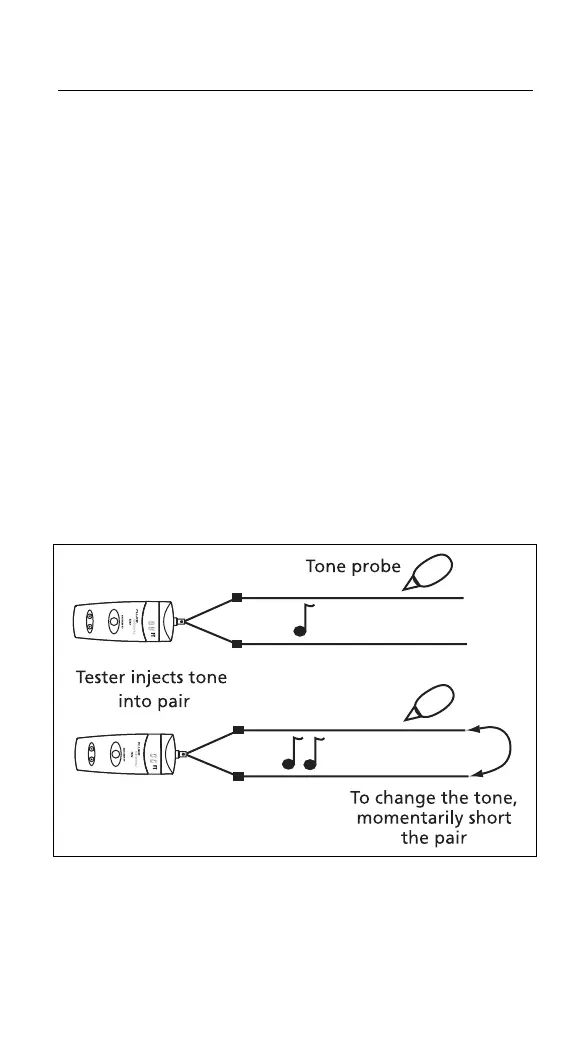
To use the SmartTone System:
1
Connect the tester to a wire pair; then turn on the
tester.
2
At the other end of the cable, use your tone probe to
find the wire pair by probing for the pair with the
loudest tone.
3
Short the wire pair together, then release the short.
If you DO NOT hear a change in the tone, then you
have not found the correct pair.
If you DO hear a change, then you have POSITIVE
CONFIRMATION that you have found the correct
pair.
Note
The tone is not audible on the tester’s beeper.
cab02.eps
Figure 2. SmartTone Positive Identification System


 To Next Page