24
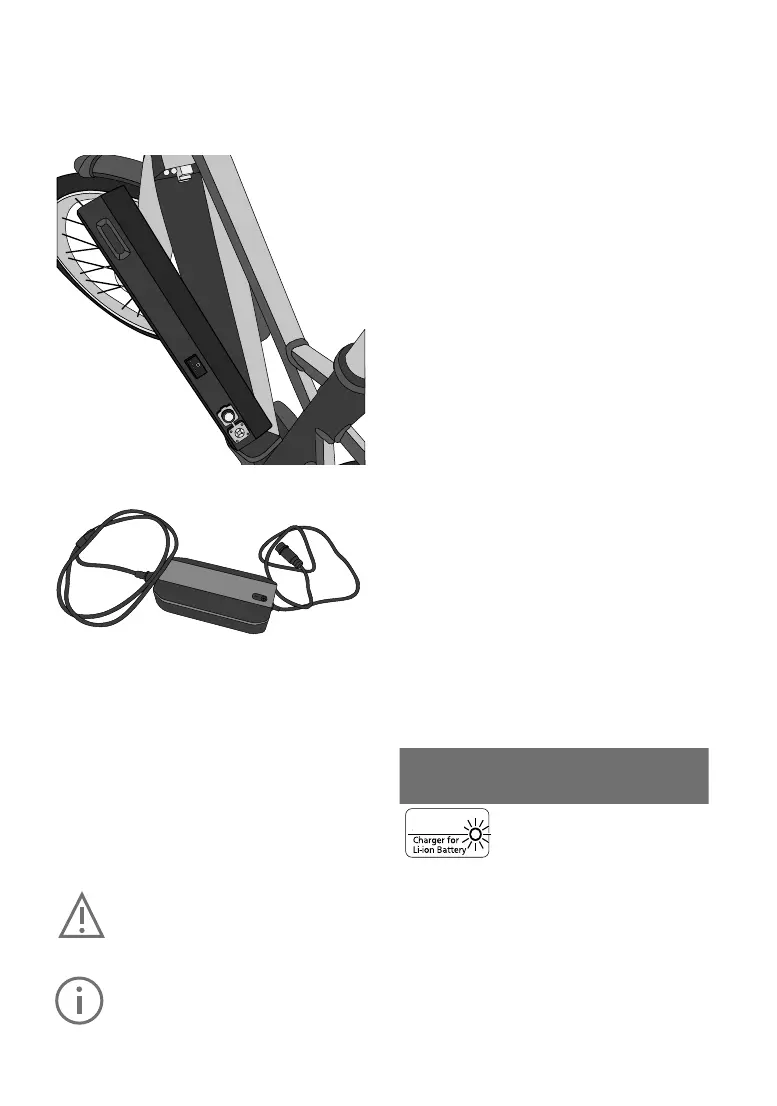
Removingthebattery
1. Switchotheelectricalsystemrst.Todothis,
presstheon/obuttononthedisplay.
2. Unlock the battery with the battery key and re
-
moveitfromtheholder.Holdthebatteryrmly,
as it is heavy.
Chargingthebattery
The battery can be charged while it is installed in
thee-bikeoronceithasbeenremoved.
Safetywarningforthebatterycharger
The name plate on the charger refers to warning
notes and other safety information in connection
with handling the charger. Be sure to read this
before use.
Please note the temperature ranges of the battery
and charger:
Batteryoperatingtemperature:-5°Cto40°C
Batterystoragetemperature:10°Cto40°C
Chargingtemperaturerange:0°Cto40°C
Only use the charger supplied with your
e-bike.Onlythischargerisdesignedfor
the lithium-ion battery used on your
e-bike.
Completely charge the battery using the
chargerbeforetherstridetoensurefull
battery performance. Read and adhere
to the operating instructions for the
charger when charging the battery. Do
not connect the charger to the mains
socket immediately after a sudden tem
-
perature change from cold to warm. It is
possible that condensed water has col
-
lected on the contacts and this will lead
to a short circuit. Do not connect the bat
-
tery to the charger immediately after a
sudden temperature change from cold to
warm. Wait until both devices have
reached room temperature before con
-
necting the charger or the battery. Only
charge and store the battery and charg
-
er in a dry indoor space and keep them
awayfromhotandammableobjects.
The battery can at any time be charged outside
or installed in the bicycle without reducing its life
span. Interrupting the charging process does not
damage the battery.
The battery is equipped with a temperature mon
-
itor that permits charging only within a tempera-
turerangeof0°Cto40°C.Chargingisswitched
onolaterthanwhen55°Cisreached.
In this case, separate the battery from the charger
and wait until it has reached operating tempera
-
ture. Only reconnect the charger when it has
reached the permitted operating temperature.
The charger itself can also indicate problems via
theredLEDashing.
Chargerstatusdisplay(LED):
The LED on the charger indicates the following
states:
-continuous green--> standby (nobattery con
-
nected)
-continuousred-->batterycharging
-continuousgreen-->batteryfullycharged
-ashingred-->chargererror
Blinking
patternof
chargerLED
Description Action
Blinking red
Charging
error
An error has
occurred in
the battery
or charger.
Charging
cannot be
continued.
Remove any
dirt from the
terminals and
plugs. If the
problem per
-
sists, contact
your FLYER
specialist
retailer.
48 V
1Removetherubbercap
Open the rubber cap on the battery. Connect the
mains plug to a mains socket (220 V – 240 V AC) and
connect the charger to the battery.



 To Next Page