8
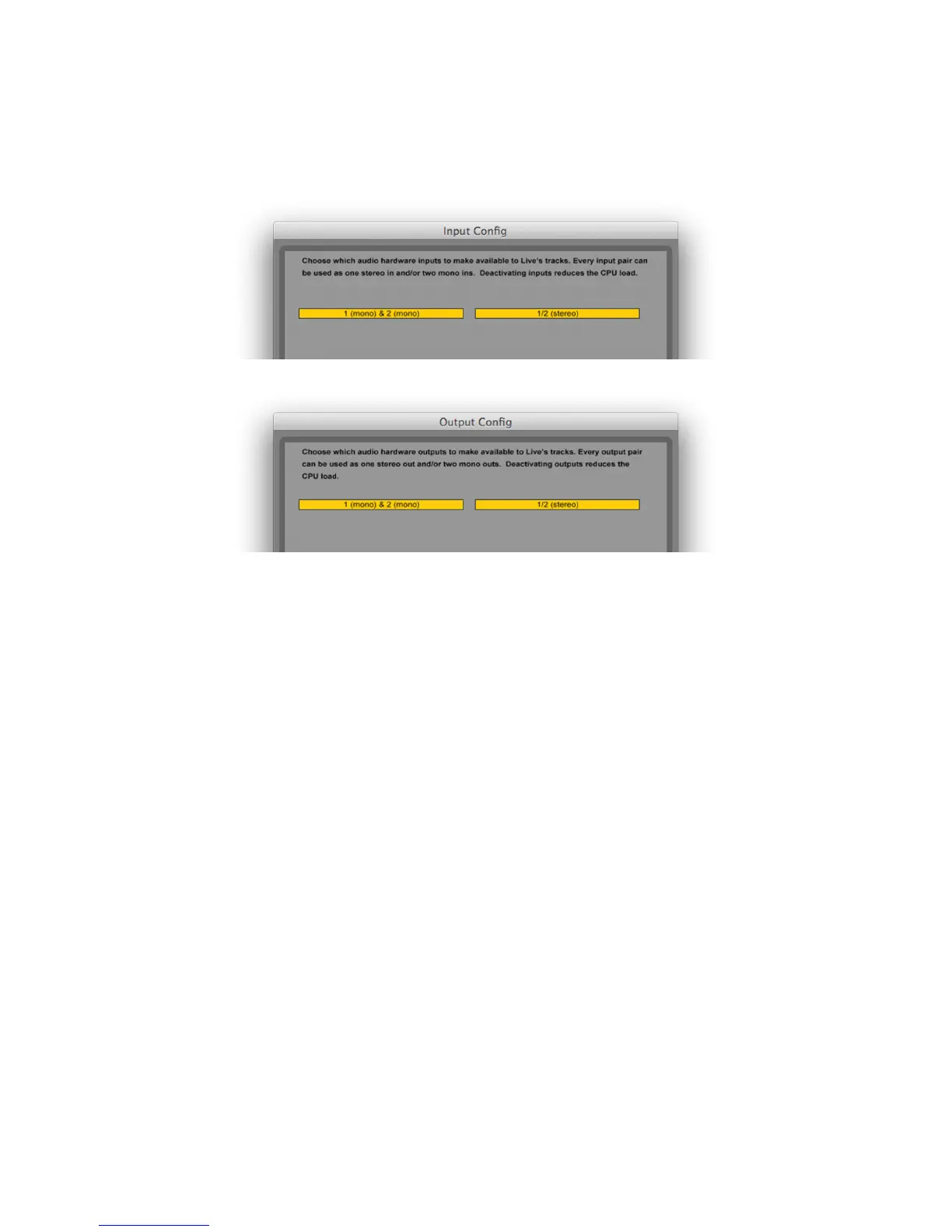
Once the Scarlett Solo driver is selected as the preferred Audio Device*, its inputs and outputs will
appear in your DAW’s Audio I/O preferences. Depending on your DAW, you may need to enable certain
inputs or outputs before use. The two examples below show two inputs and two outputs enabled in
the Ableton Live Lite Audio Preferences.
*Typical name. Terminology may differ slightly between DAWs.














 To Next Page