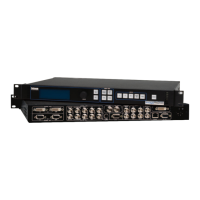
The must have for your video toolbox
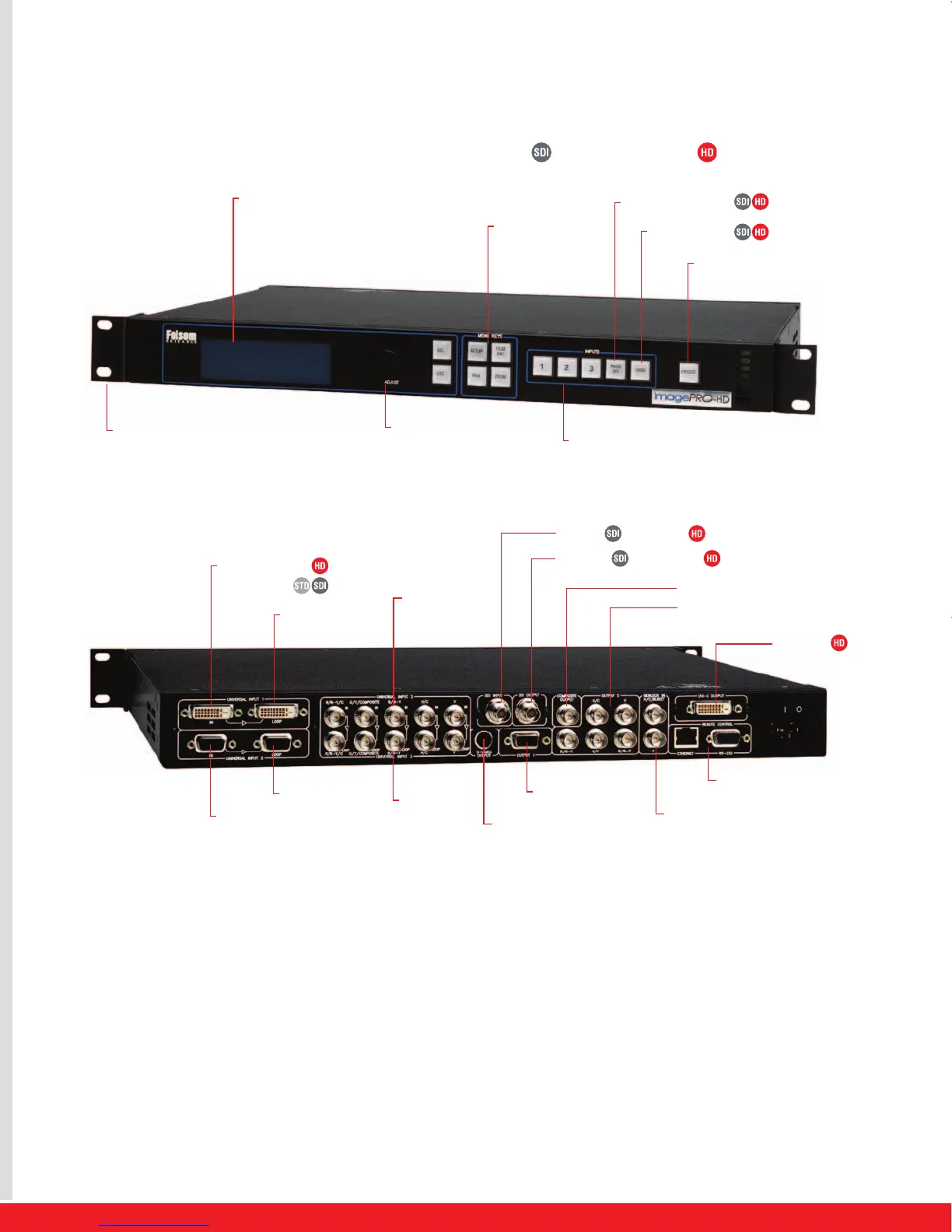
Features on this illustration are available on all ImagePRO models, unless noted as follows: Available on ImagePRO-SDI Available on ImagePRO-HD
Standard features
•
Utiliz
e
s A
thena
TM
, F
olsom’s ne
w pr
oprie
tary high performance
image pr
oc
e
s
sing t
echnology
• Three universal inputs accept RGBHV/RGBS/RGsB computer
video
, c
omponent video (SD or HD
TV), s
-video, or composite
video with loop
-
thr
ough
• Four video outputs; (2) RGB or component video, (1)
c
omposit
e video
, and (1) s-video
•
User
-
de
fined aspect r
a
tio c
onversion and adjustments
• Pan and zoom
•
F
r
eeze
•
10
-bit pr
oc
e
s
sing
•
Mo
tion Adap
tiv
e and Field to Frame de-interlacing modes
•
3:2 pul
ldo
wn de
t
ection f
or NT
SC and 2:2 film de
tection for
PAL video sources
•
Dec
ode
s NT
SC, PAL and SECAM
•
Etherne
t f
or r
e
al-
time c
ontrol
• Encodes NTSC and PAL
•
Genlock
, H/V L
ock and VLock
•
E
x
ec
utiv
e mode: pr
o
tects system configuration settings
during use
•
64 independent memory pr
e
sets
•
B
acked b
y thr
ee
-
y
ear warranty


 To Next Page
 Loading...