8
• Plug in the apparatus.
• Ring the doorbell while holding down the
“SET” button on the apparatus.
• After the device detects the signal from the
doorbell, the LED light will ash to indicate that
the pairing is complete.
• After the pairing is completed, you can check
whether the pairing is successful by ringing the
doorbell.
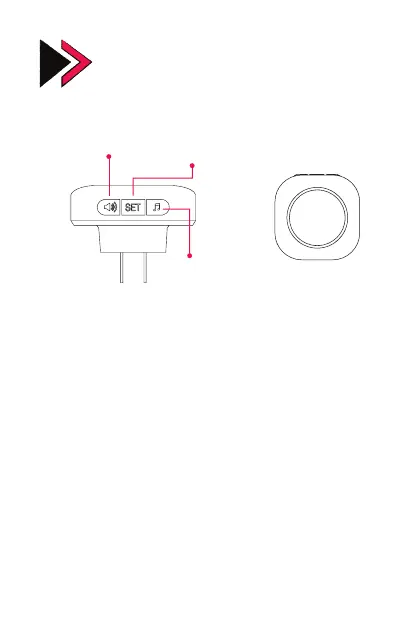
Bell Apparatus Overview
Connecting the Bell Apparatus to the
Doorbell
Ringtone Level
Adjustment
Ringtone
Setting
Power
Input
Frontside
Mode/Pairing
Button


 To Next Page