STARTING/PAIRING/CONNECTING
1.STARTING
Taking the earbuds out of the charging box, the LED flashing indicates earbuds starting
on automatically.
At the status of switching on, long touch left/right button for 2s to turn on the earbuds.
At the status of switching off, long touch left/right button for 4s to turn off the earbuds
2.PAIRING
The Earbuds will get paring automatic when taking out from the charging box. The Blue
and Red indicator light will fast flashing when the earbuds are pairing, The Left side
indicator light will keep flashing, and the Right side indicator light will off immediately
once paired successfully. The Left side indicator light will off once connected with mobile
phone.
3.CONNECTING
Auto connection: Take the earbuds out of charging box, wait 2-3s for earbuds pairing.
Open your bluetooth devices and search “Force Play One” choose and get connection.
If connecting failed, turn off the mobile phones Bluetooth function and re-open again.
CHARGING
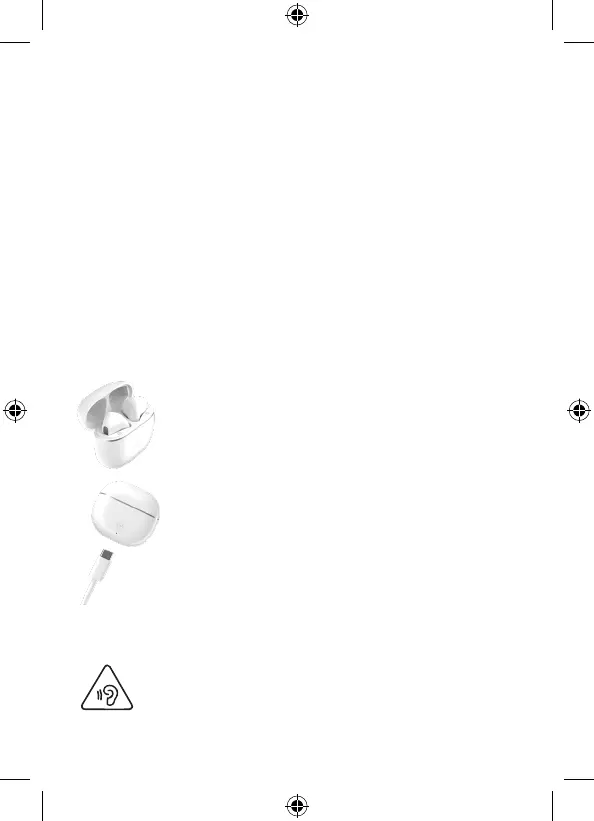
EARBUDS CHARGING
Indicator keep lighting on when charging earbuds.
Indicator light off when earbuds full charged.
CHARGING BOX CHARGING
The red indicator flashes when the base is charging.
WARNING! Risk of hearing damage
- Set a low volume on the playback device before you connect the
headphones to the sound source.
- Avoid excessive volumes, particularly over extended periods or in the
case of frequent use. Excessive volume can result in permanent hearing
damage.


 To Next Page