Climate control features
• Press TEMP up or down to adjust temperature.
• Press FAN up or down to adjust fan speed.
TRIP COMPUTER (IF EQUIPPED)
The trip computer tells you about the condition of your vehicle through
a constant monitor of vehicle systems. You may select display features on
the trip computer for a display of status.
The appearance of your vehicle’s trip computer may differ depending on
your vehicle’s option package, but the functions are the same.
The trip computer only operates with the ignition in the ON position.
Trip computer features follow:
Selectable features
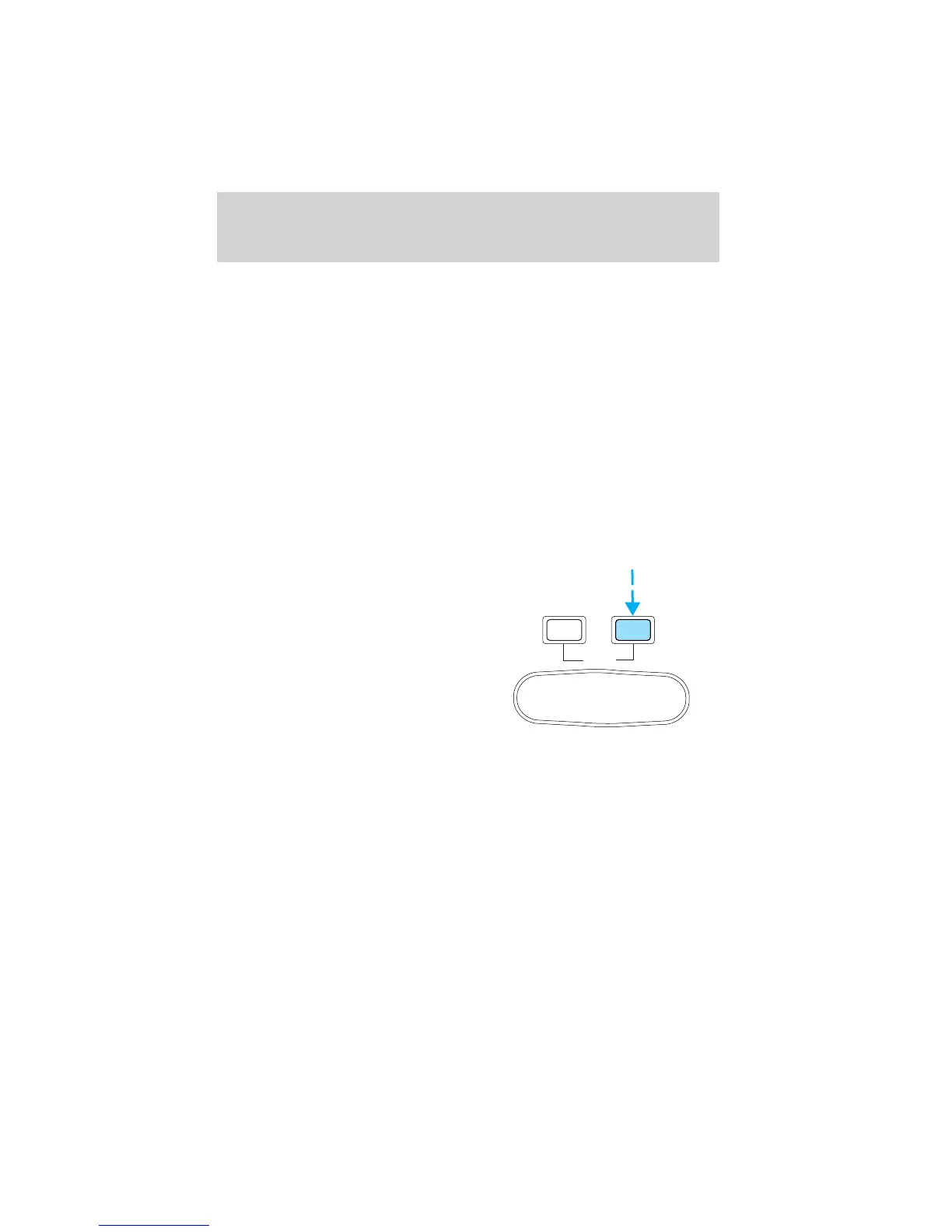
English/metric display
Press this control to change the trip
computer display between metric
and English units.
RESET
MODE
E/M
Driver controls
103












 To Next Page