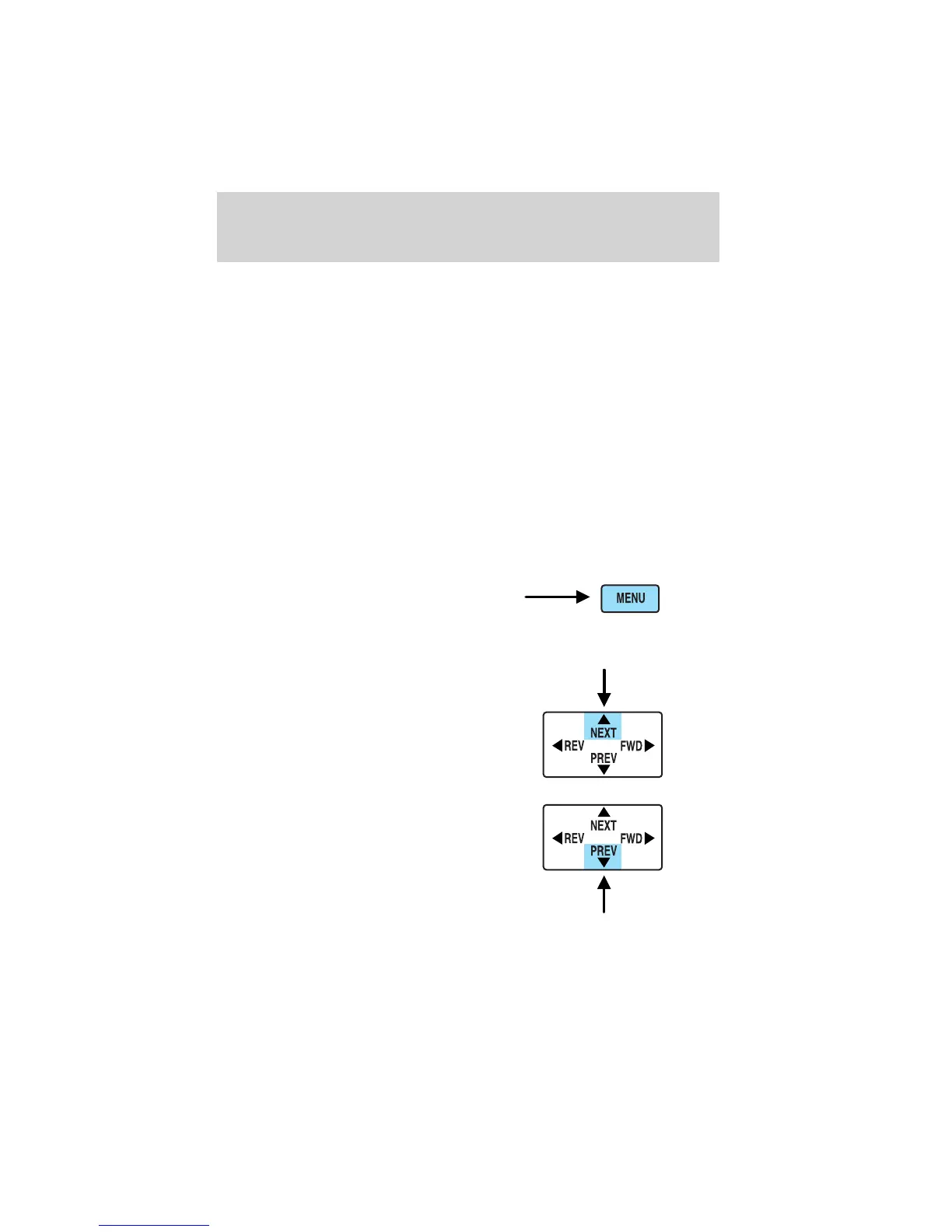
5. MENU control
Press to bring up the disc menu.
6. AUX control
Press to switch DVD player from play mode to auxiliary mode.
7. Auxiliary jacks
Insert lines for standard video game players.
8. STOP/EJECT control
Press once to stop DVD play. Press again to eject the DVD.
9. DISPLAY (DISP) control
Press to enable on screen display of player menu and user display
adjustments.
DVD control features
Menu control
Press the MENU control to enter
into MENU mode. This allows you to
move and choose within the DVD
generated menu structure. Once in
MENU mode:
• Press the NEXT control to move
the cursor one position upward
• Press the PREV control to move
the cursor one position downward
Entertainment systems
47















 To Next Page