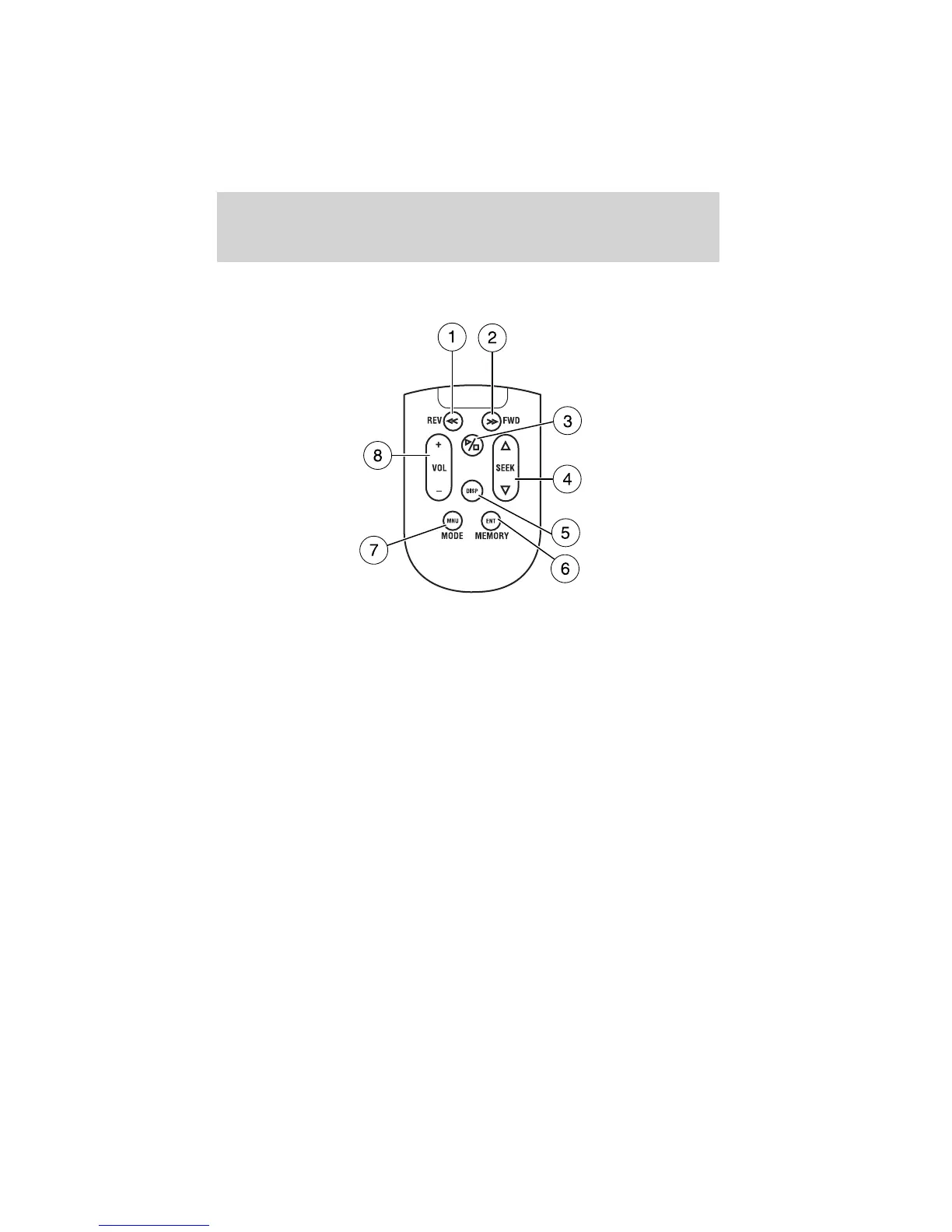
Remote control
1. REWIND control
Press to reverse the direction of the DVD movie.
2. FAST FORWARD control
Press to advance the direction of the DVD movie.
3. PLAY/STOP control
Press to play or stop the DVD movie.
4. SEEK control
Press to reverse or advance the tracks of the CD or DVD.
5. DISPLAY (DISP) control
Press to enable on screen display of player menu and user display
adjustments.
6. ENTER (ENT) MEMORY control
In DVD playback mode, press the control to select a designated item in
menu mode.
Entertainment systems
50















 To Next Page