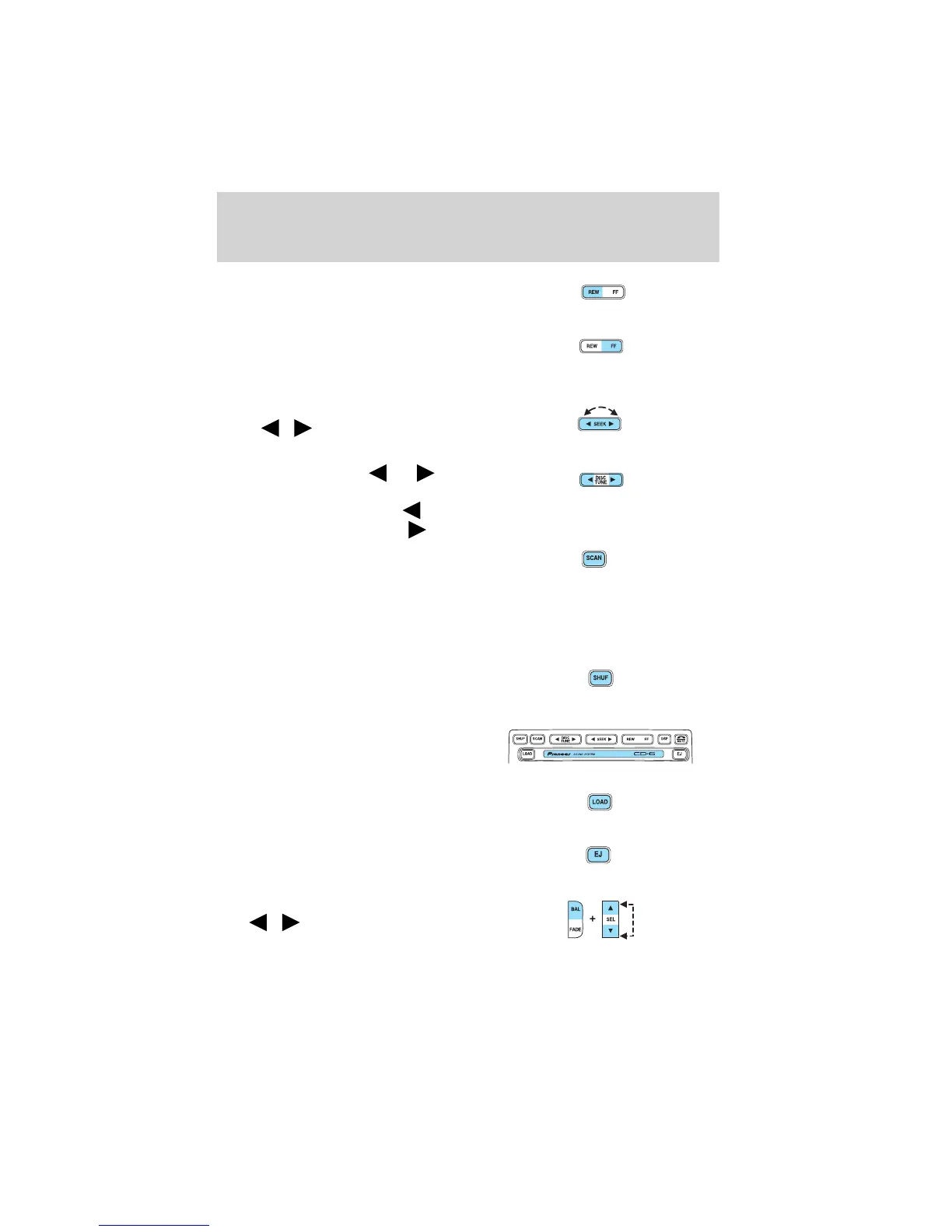
5. Rewind: Press to stop tape
during rewind/fast forward.
Fast forward: Press to start CD
play. With the dual media audio,
press CD to toggle between single
CD and CD changer play.
6. Seek: Press and release
SEEK
/ for previous/next
strong station, selection or track.
7. Tune: Radio: Press
or to
manually tune down or up the radio
frequency band. CD: Press
to
select the previous track or
to select the next track on the CD.
8. Scan: Press SCAN to move up
the radio frequency band. SCAN
automatically finds a station, plays it
for five seconds seconds, then moves to the next station. Press again to
stop.
Tape/CD: Press SCAN to sample tape/CD selections for eight seconds.
Press again to stop.
9. Shuffle: Press to play tracks in
random order.
10. CD door: Insert the disc with
the playing side down and printed
side up.
11. Load: Press to load a CD. Press
and hold to load up to six discs.
12. Eject: Press to eject a CD.
Press and hold to eject all loaded
discs.
13. Balance: Press BAL; then press
SEL
/ to shift sound to the
left/right speakers.
Entertainment Systems
19






 To Next Page