road conditions and/or when performing emergency maneuvers. In an
emergency lane-change, the driver will experience better overall control
of the vehicle.
Driving conditions which may activate AdvanceTracy include:
• taking a turn too fast
• evasively maneuvering to avoid an accident, pedestrian or obstacle
• hitting a patch of ice
• changing lanes on a snow-rutted road
• entering a snow-covered side street from a snow-free road
• entering a gravel road from a paved road
• driving on slick surfaces
The AdvanceTracy system is always ON when the engine is running.
The system does not work when the vehicle is traveling backwards. In
reverse, ABS and Traction Controly will continue to function.
If you are operating the speed control system and road conditions
change causing the AdvanceTracy to activate, the AdvanceTracy will
disengage speed control. When driving conditions permit you can return
to speed control by pressing “RESUME”, refer to “Speed Control”
section in the Driver controls chapter.
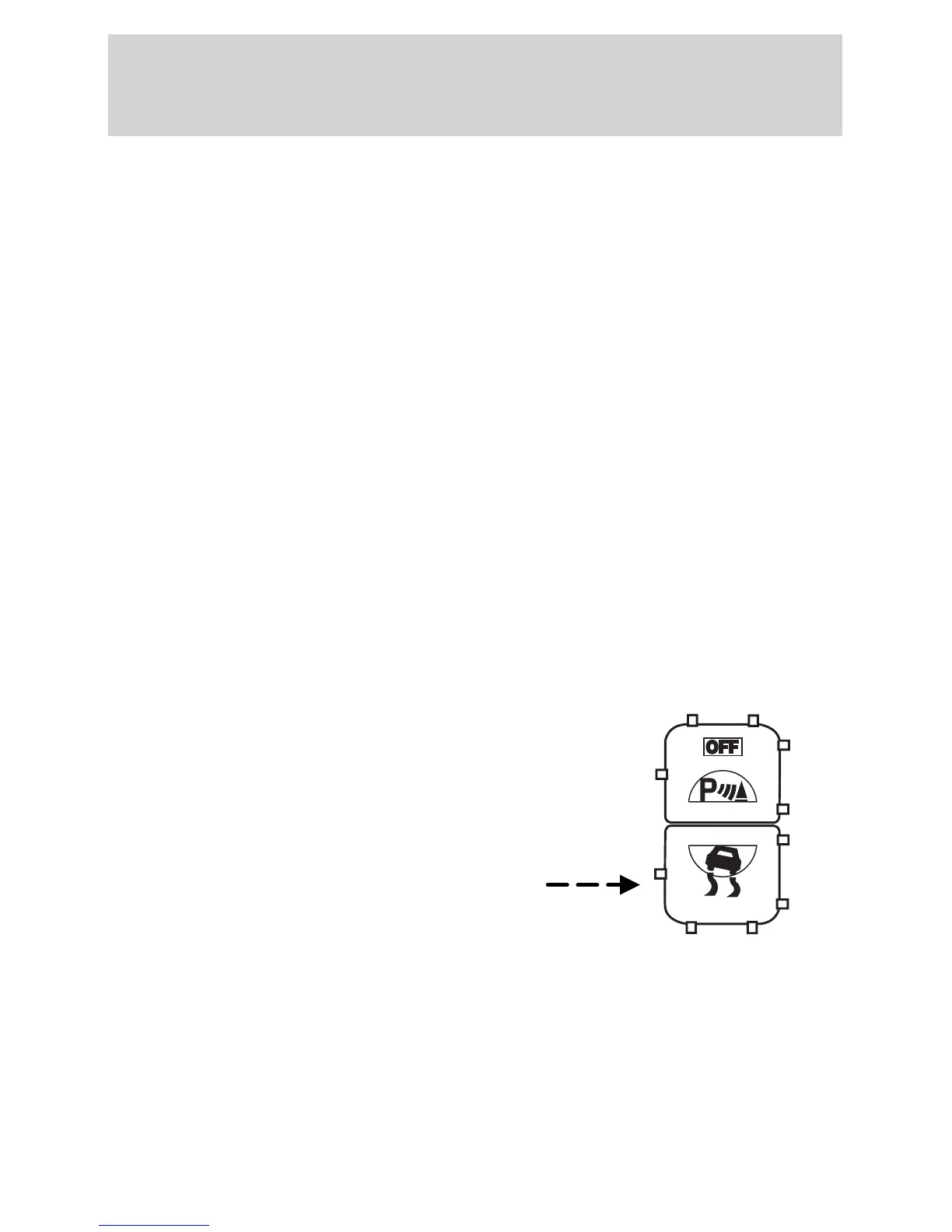
The AdvanceTracy on/off control
button allows the driver to control
the availability of the Traction
Controly and AdvanceTracy
system. This is independent of the
ABS function, which can NOT be
switched off by the driver.
The AdvanceTracy system status is
indicated by a “TRAC ACTIVE”
indicator light in the instrument
cluster that will illuminate when the system is active. If a failure is
detected, the “TRAC OFF” indicator light will stay ON, vehicles with a
message center (if equipped) will also display the warning “CHECK
ADVANCETRAC” , have the system serviced immediately.
The AdvanceTracy system continually monitors and checks all sensors
used in improving the stability of the vehicle. Some drivers may notice a
slight movement of the brake pedal when the system checks itself.
Driving
182



 To Next Page