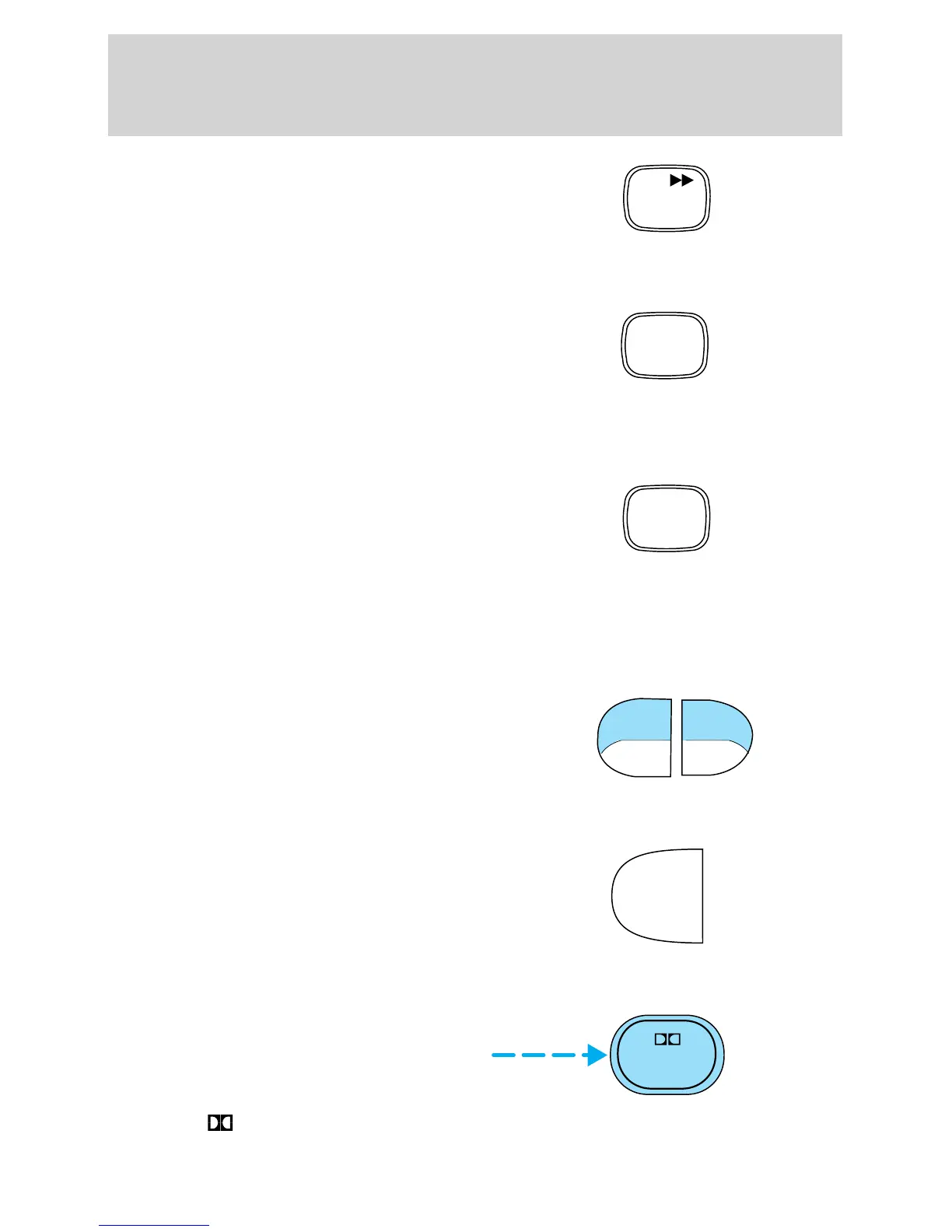
To fast forward in CD changer
mode, press the CD control.
Press the control again to deactivate
fast forward mode.
Compression feature (if equipped)
Compression adjust brings soft and
loud CD passages together for a
more consistent listening level.
Press the COMP control to activate
and deactivate compression adjust.
Shuffle feature (if equipped)
The shuffle feature operates in CD
changer mode and plays all tracks
on the current disc in random order.
The shuffle feature continues to the
next disc after all tracks are played.
Press the SHUFFLE control to start this feature. Random order play will
continue until the SHUFFLE control is pressed again.
Tape direction select
Press SIDE and 1–2 at the same
time to play the alternate side of a
tape.
Eject function
Press the control to stop and eject a
tape.
DolbyT noise reduction
Dolbyt noise reduction operates
only in tape mode. Dolbyt noise
reduction reduces the amount of
hiss and static during tape playback.
Press the
control to activate (and deactivate) Dolbyt noise
reduction.
CD
2
COMP
5
SHUFFLE
6
SIDE
REW FF
1 - 2
EJ
4
Entertainment Systems
30



 To Next Page