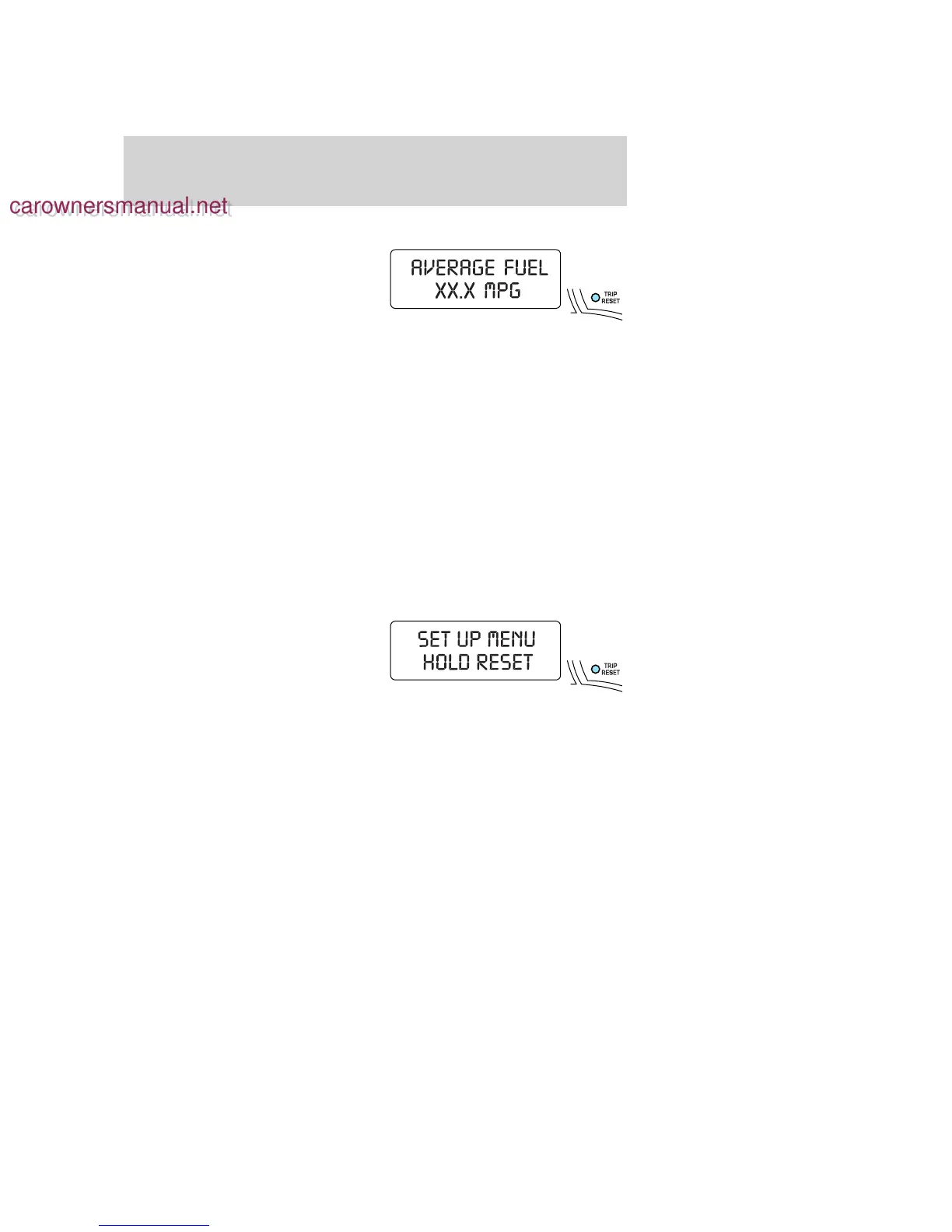
Average fuel economy (AFE)
Select this function to display your
average fuel economy in miles/gallon
or liters/km.
If you calculate your average fuel
economy by dividing miles traveled
by gallons of fuel used (liters of fuel
used by 100 kilometers traveled), your figure may be different than
displayed for the following reasons:
• Your vehicle was not perfectly level during fill-up
• Differences in the automatic shut-off points on the fuel pumps at
service stations
• Variations in top-off procedure from one fill-up to another
• Rounding of the displayed values to the nearest 0.1 gallon (liter)
1. Drive the vehicle at least 5 miles (8 km) with the speed control
system engaged to display a stabilized average.
2. Record the highway fuel economy for future reference.
It is important to press the TRIP/RESET control switch (press and hold
for 2 seconds in order to reset the function) after setting the speed
control to get accurate highway fuel economy readings.
Setup menu
Press and hold the TRIP/RESET
control switch to get to the SETUP
MENU sequence from the INFO
MENU for the following displays:
• System Check
• Units (English/Metric)
• Language
• Autolamp
• Autolock
• Autounlock
• Park Aid (if equipped)
• Oil Life Start Value
Briefly press the TRIP/RESET control switch to scroll through the
SETUP MENU display sequence. If the TRIP/RESET control switch is not
pressed within 4 seconds, the message center returns to the Info Menu.
2006 Explorer (exp)
Owners Guide (post-2002-fmt)
USA (fus)
Driver Controls
78
carownersmanual.net
carownersmanual.net






 To Next Page