The vehicle brakes will be automatically applied to slow your vehicle to
maintain a safe distance from the vehicle in front. The maximum braking
which is applied by the system is limited and can be overridden by the
driver applying the brakes.
If the system predicts that its maximum braking level will not be
sufficient, an audible warning will sound while the system continues to
brake. This is accompanied by a heads-up display; a red warning bar
illuminating on the windshield. You should take immediate action.
To help you pass a vehicle in front of you, the adaptive control system
may provide a small temporary acceleration when you switch on your left
turn signal.
Setting the Gap Distance
Note: It is your responsibility to select a gap appropriate to the driving
conditions.
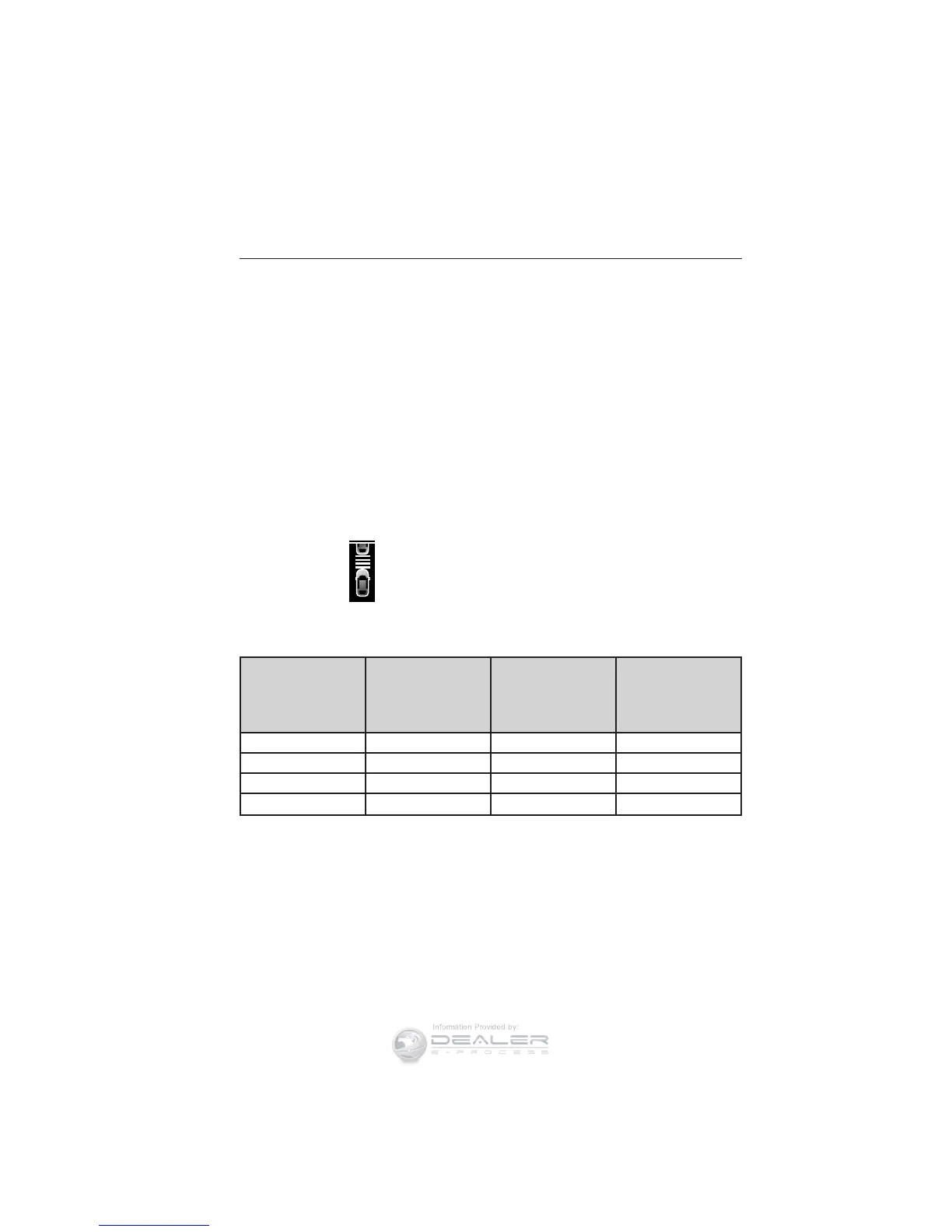
You can decrease or increase the
distance between your vehicle and
the vehicle in front of you by
pressing the GAP control up or
down. The selected gap will display
in the information display as shown by the bars in the graphic. Four gap
distance settings are available.
Graphic
display (bars
between
vehicles)
Following
distance
Following
distance at
60 mph
(100 km/h)
Dynamic
behavior
1 bar 1 second 31 yards (28 m) Sporty
2 bars 1.4 seconds 43 yards (39 m) Normal
3 bars 1.8 seconds 55 yards (50 m) Normal
4 bars 2.2 seconds 67 yards (61 m) Comfort
Each time you restart your vehicle, the system will select the last chosen
gap for the current driver.
216 Cruise Control
2015 Taurus
Owners Guide gf, 1st Printing, April 2014
USA (fus)





 To Next Page