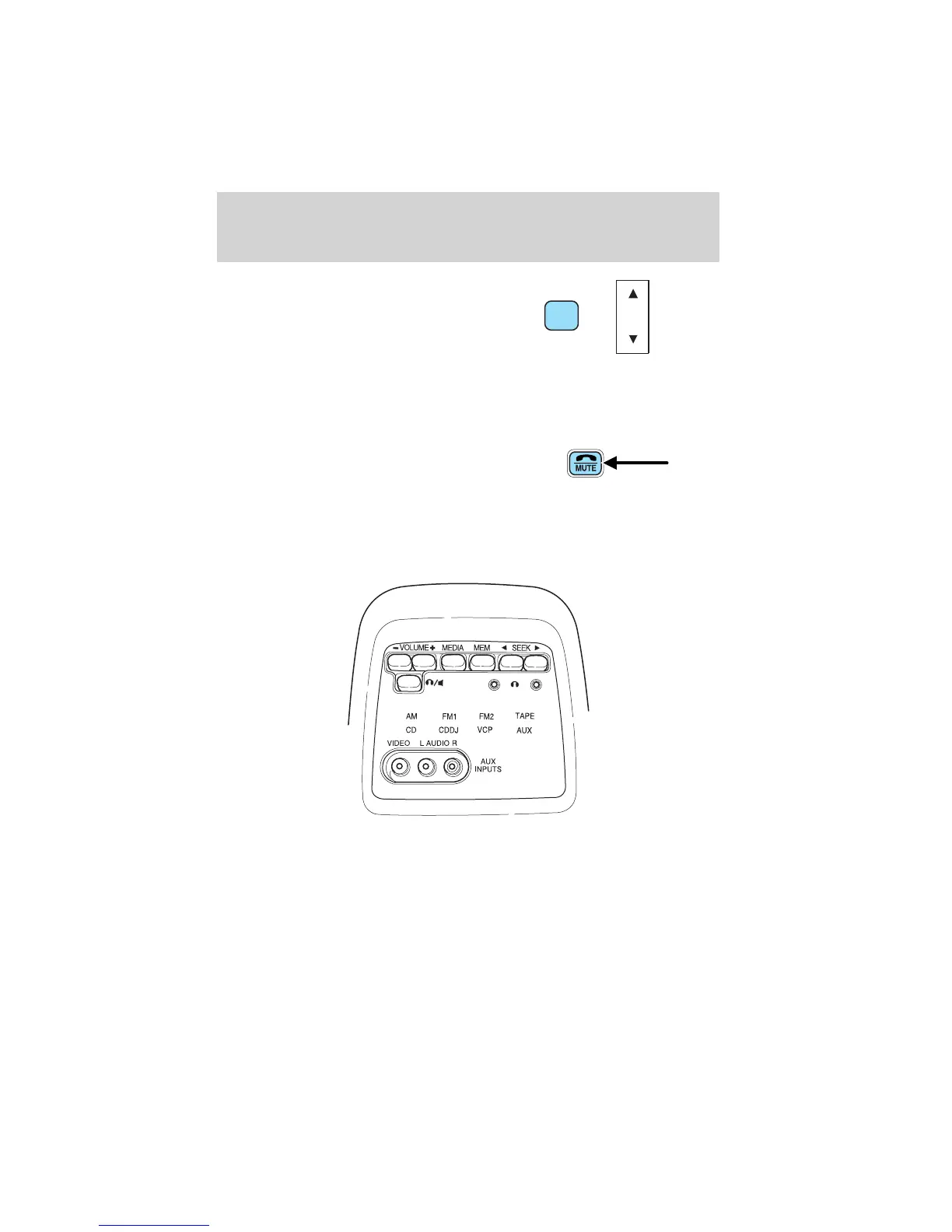
With RDS activated, press the
MENU control until SHOW is
displayed.
Use the SEL control to select TYPE
(displays the RDS program type:
rock, jazz, etc), NAME (displays the name of the radio station) or NONE
(deactivates the RDS display).
Mute mode
Press the control to mute the
playing media. Press the control
again to return to the playing media.
REAR SEAT ENTERTAINMENT SYSTEM (IF EQUIPPED)
Quick Start — How to get going
To operate the system:
1. Your AutoVision威 system is automatically activated when the vehicle
ignition and the audio system are ON.
2. If a movie is desired, insert a VHS cassette into the VCP and the video
should start playing.
3. Press the MEDIA control to toggle to any other desired media source.
SEL
+
MENU
Entertainment Systems
46












 To Next Page