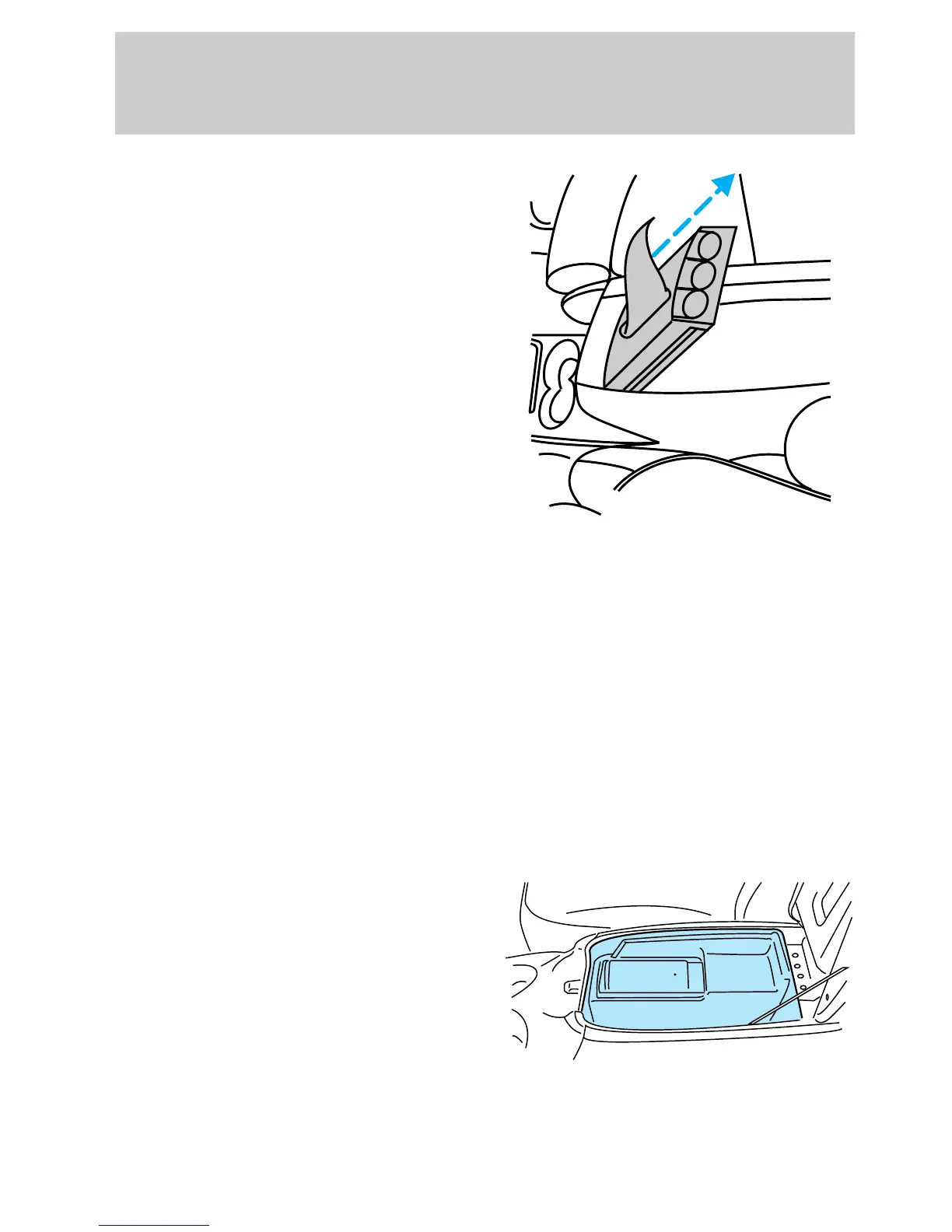
1. Lift the armrest and slide
coinholder/tissue tray out of the
console in an upward motion.
2. Replace the tissue box.
3. Slide coinholder/tissue tray into
console locating pins at bottom of
tray. Fit into slots in console
bracket.
Cellular phone (if equipped)
Your cellular phone is equipped
with a number of features
including voice activation,
hands-free operation, speed dialing
and radio program muting during
phone operation. For detailed
information on the operation of
your phone, refer to the
manufacturer’s instructions
contained with the phone.
Compact disc changer
(if equipped)
The compact disc changer is
located inside the center console.
For information on the compact
disc changer, refer to the ‘‘Audio
Guide’’.
OPEN
uno_cell_phone
uno_rear_console_features
Controls and features
60














 To Next Page