8 9
*if equipped
USING THE TOUCHSCREEN
To operate the touchscreen, you can simply touch the item or option that
you want to select. The button changes color when you select it. The
touchscreen allows you quick access to all of your comfort, navigation,
communication and audio options. Using the status and feature bar, you
can quickly select the feature you want to use.
SYNC OWNER ACCOUNT AND UPDATING YOUR SYSTEM
A SYNC owner account is essential for keeping up with the latest soware
downloads available for SYNC, provides you access to customer support for
questions you may have and allows you to maintain your account permissions.
To create a SYNC owner account, visit the website:
owner.ford.com (United States)
syncmyride.ca or syncmaroute.ca (Canada)
The SYNC 3 system allows you to interact with a variety of features using the touchscreen and voice commands.
By integrating with your Bluetooth wireless technology-enabled phone, the touchscreen provides easy integration
with many of your vehicle’s features.
SYNC
®
3
*
Once you have your SYNC owner account,
you can log in to visit the SYNC soware
update page to update SYNC using a USB.
You can also update your SYNC system over
Wi-Fi. For information on how to update your
system, please see the SYNC 3 chapter in
your Owner’s Manual.
HOME SCREEN
You can reach the Home screen by pressing
the
button on the main screens. The
Home screen displays features such as
audio, phone and settings.
USING VOICE RECOGNITION
Using voice commands allows you to keep
your hands on the wheel and focus on what
is in front of you. To activate the SYNC 3 voice
commands, press the voice button
on the
steering wheel and wait for the prompt.
You can find the available voice commands
in the SYNC 3 chapter of your Owner’s
Manual or in the Commonly Used Voice
Commands in this guide.
PAIRING YOUR PHONE FOR
THE FIRST TIME
Pair your Bluetooth wireless technology-
enabled phone with SYNC before using the
functions in hands-free mode. Switch on
Bluetooth on your device to begin pairing.
See your phone’s manual if necessary.
To add a phone:
1. Select Add a Bluetooth Device.
2. Follow the on-screen instructions.
3. A prompt alerts you to search for the
system on your phone.
4. Select your vehicle’s make and model as it
displays on your phone.
5. Confirm that the six-digit number
appearing on your phone matches the six-
digit number on the touchscreen.
6. The touchscreen indicates when the
pairing is successful.
7. Your phone may prompt you to give the
system permission to access information.
To check your phone’s compatibility, see
your phone’s manual or visit the website.
To pair subsequent phones, please see
the
SYNC 3 chapter in your Owner’s Manual.
USING YOUR CONNECTED PHONE
You can use voice commands to make,
receive, accept and reject phone calls. Text
messages can also be sent and received
through the system. Please refer to the
SYNC 3 chapter in your Owner’s Manual
for more information about using your
connected phone with the system, including
voice commands and screen selections.
SMARTPHONE CONNECTIVITY
SYNC 3 allows you to use Apple CarPlay and
Android Auto to access your phone.
When you use Apple CarPlay or Android
Auto, you can:
• Use your phone’s voice assistant.
• Send and receive messages.
• Listen to music.
• Make calls.
Apple CarPlay and Android Auto disable
some SYNC 3 features. Most Apple CarPlay
and Android Auto features use mobile data.
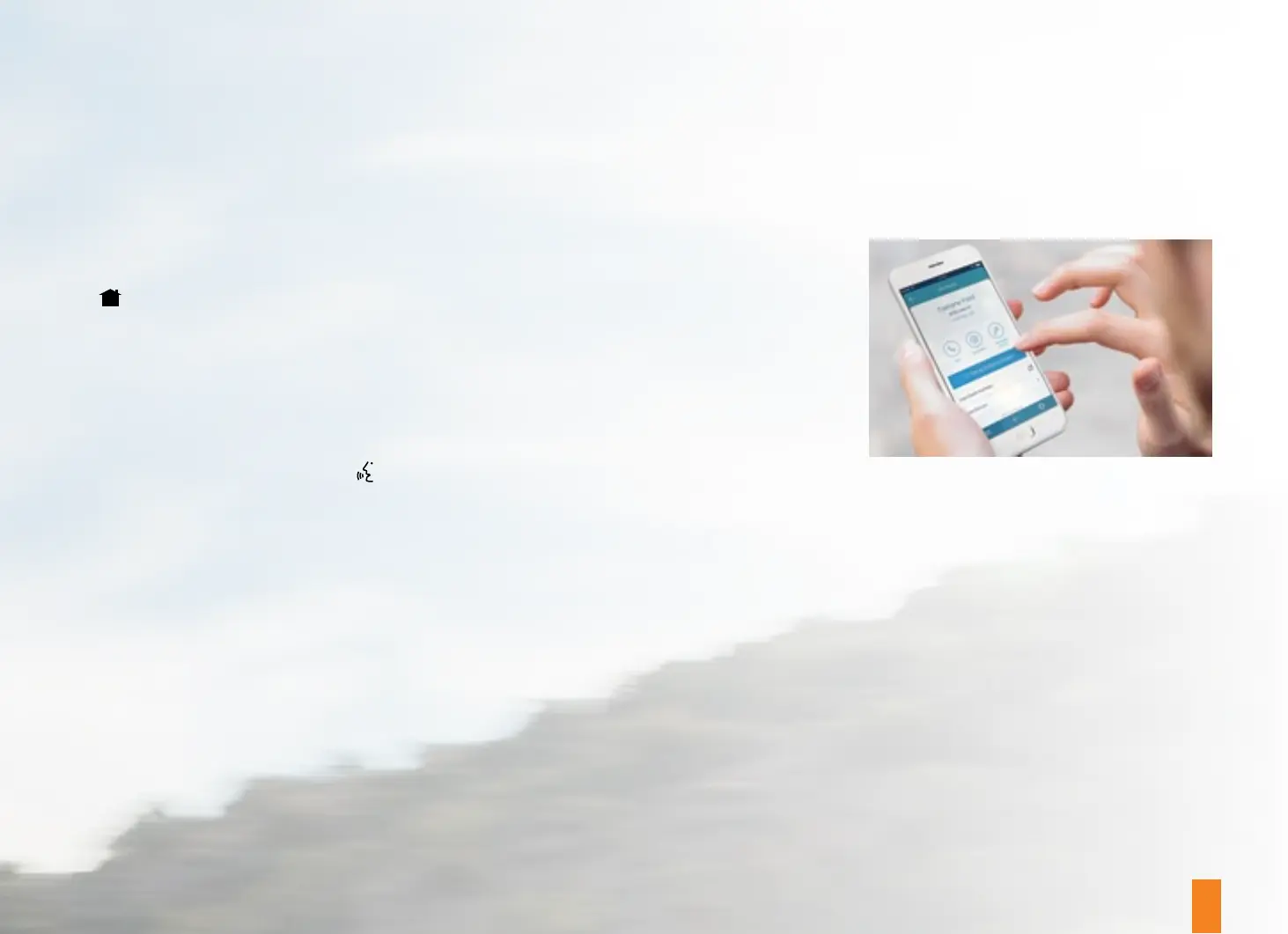
FORDPASS
™
CONNECT
With a FordPass™ Connect-equipped
vehicle, you can use FordPass™ to track
your vehicle’s location and remotely access
vehicle features such as start, lock and
unlock and vehicle status, including fuel
level and approximate mileage. You can
also schedule specific times to remotely
start your vehicle so it’s ready to hit the road
as soon as you are. Your vehicle is capable
of providing a Wi-Fi hotspot if you have
a vehicle hotspot data plan. FordPass™
Connect is an optional feature on select
vehicles. FordPass
®
is available through a
free download via the Apple App Store
®
or
Google Play™. Message and data rates may
apply. Services may be limited by mobile
phone network coverage area.


 To Next Page
 Loading...











