WARNING (Continued)
• Check attachment of floor mats on a regular basis. Always properly
reinstall and secure floor mats that have been removed for cleaning
or replacement.
• Always make sure that objects cannot fall into the driver foot well
while the vehicle is moving. Objects that are loose can become
trapped under the pedals causing a loss of vehicle control.
• Failure to properly follow floor mat installation or attachment
instructions can potentially cause interference with pedal operation
causing loss of control of vehicle.
• To install floor mats, position the floor mat so that the eyelet is over
the retention post and press down to lock in.
• To remove the floor mat, reverse the installation procedure.
CARGO AREA FEATURES
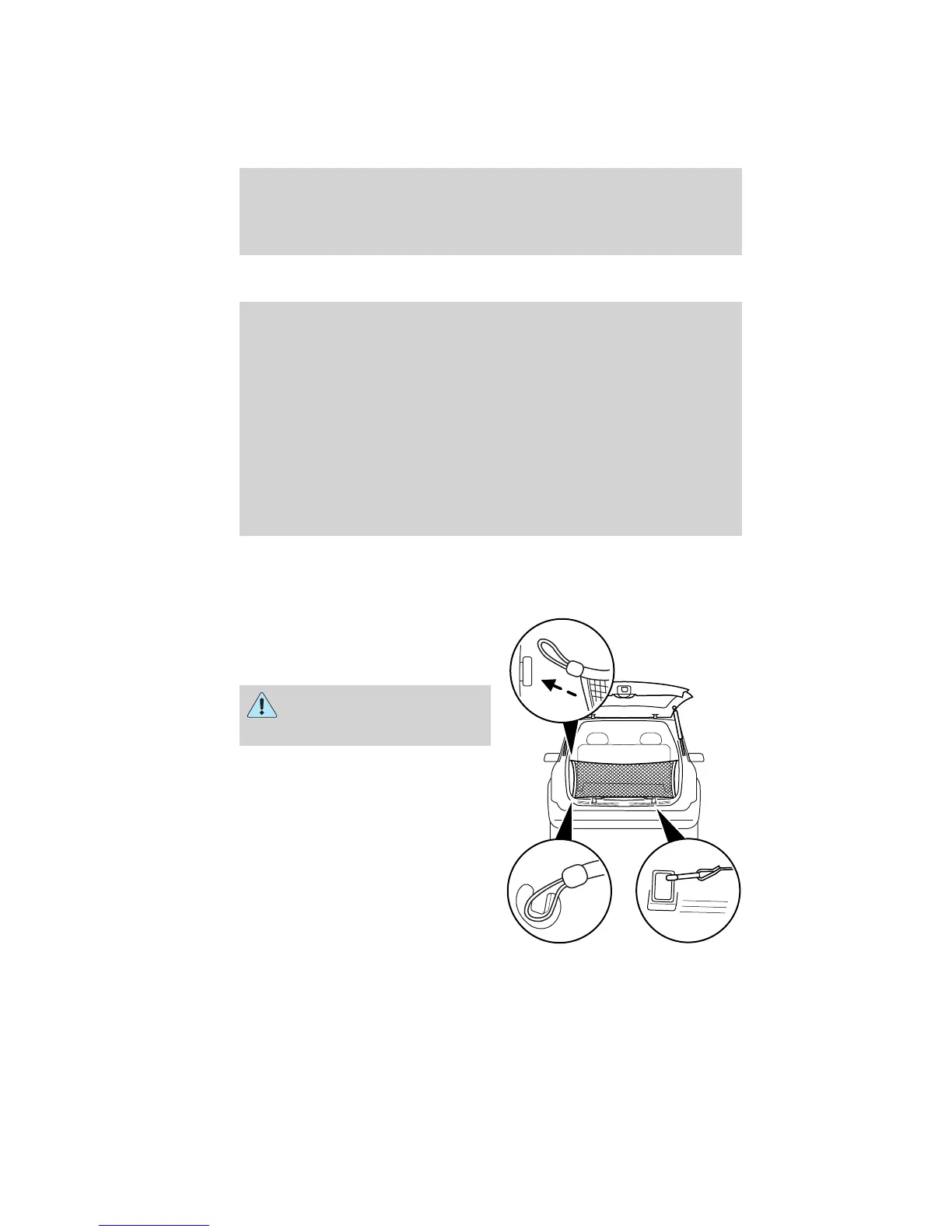
Cargo net (if equipped)
The cargo net secures lightweight
objects in the cargo area. Attach the
net to the loops and anchors
provided.
WARNING: This net is not
designed to restrain objects
during a collision.
Driver Controls
118
2012 Explorer (exp)
Owners Guide, 1st Printing
USA (fus)














 To Next Page