2. You can press some of the hard buttons to access their respective
menus.
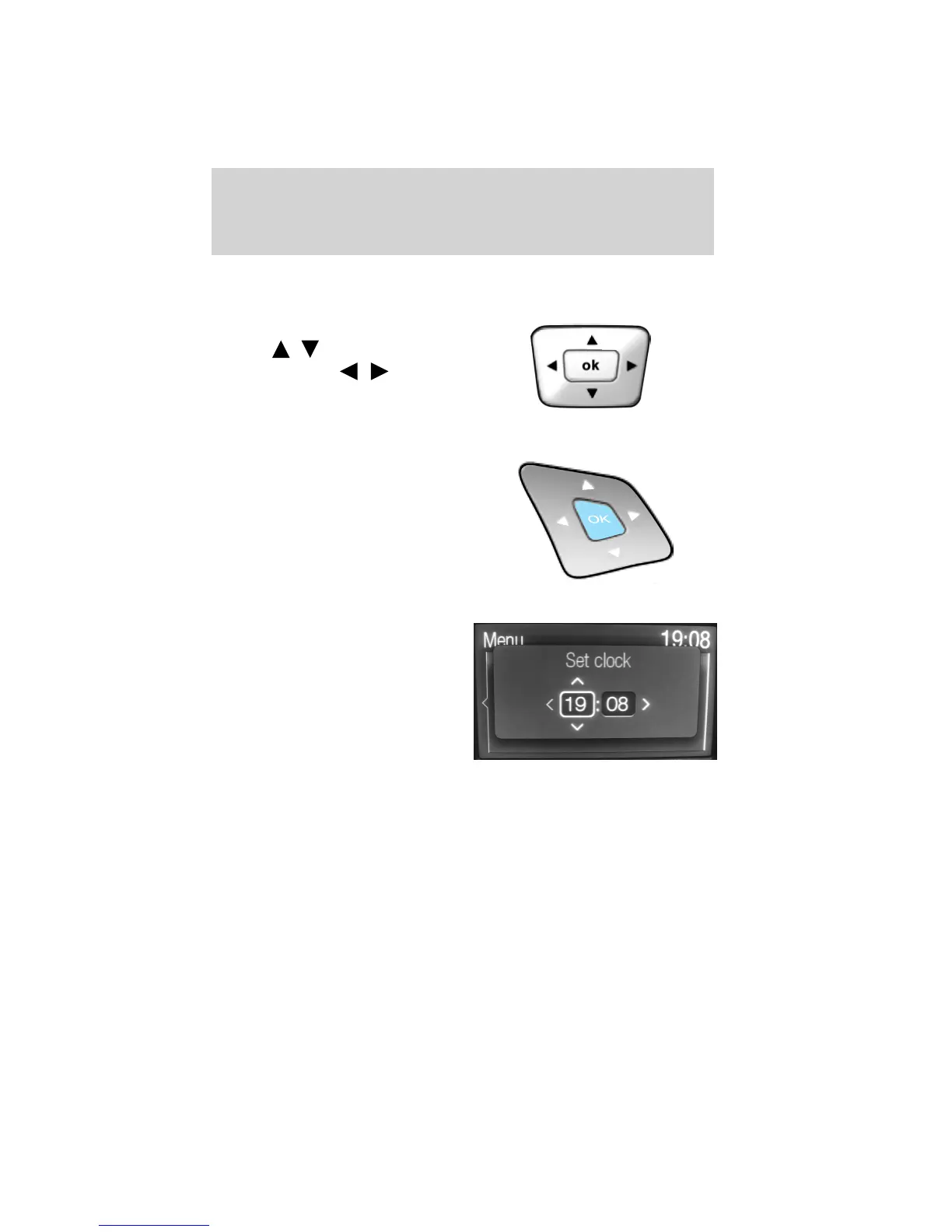
3. Use the center control in the
same manner you would a joystick
— press
/ to move up/down
in menus or press
/ to move
out of or into a menu. When these
options are available, icons will
appear on the screen.
4. Press OK on the center control to make or confirm selections.
Note: You can also use the OK and
arrow buttons on the right side of
your steering wheel to make the
same selections you would with the
center control.
Setting the Clock
• Press CLOCK.
• Use the center controls to move
between the options and to
increase/decrease.
Note: You can also access this screen by pressing: Menu > Clock
Settings.
Language setting
To access/adjust the language setting, press MENU > Display Settings >
Language.
Radio
Press RADIO to access the radio screen. From this screen you can:
• Press RADIO repeatedly to cycle through AM, AM2-AST, FM1, FM2,
FM3-AST frequency bands.
Entertainment Systems
49
2012 Explorer (exp)
Owners Guide, 1st Printing
USA (fus)













 To Next Page