Operating the HomeLink姞 Wireless Control System
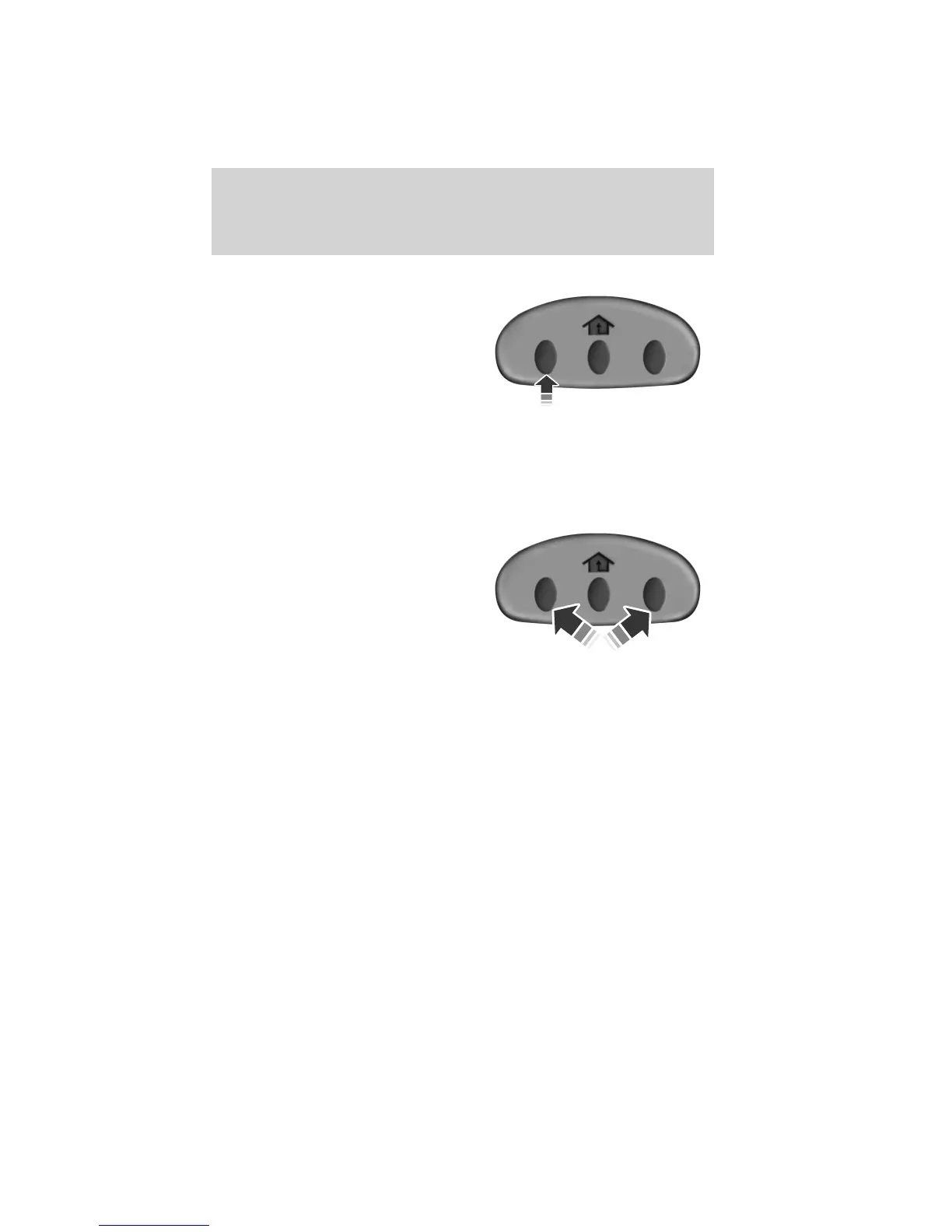
To operate, simply press and release
the appropriate HomeLink威 button.
Activation will now occur for the
trained product (garage door, gate
operator, security system, entry
door lock, or home or office lighting
etc.). For convenience, the
hand-held transmitter of the device
may also be used at any time. In the event that there are still
programming difficulties, contact HomeLink威 at www.homelink.com or
1–800–355–3515.
Erasing the Function Button Codes
Note: You can not erase individual
buttons.
1. Press and hold the outer two
function buttons simultaneously for
approximately 20 seconds until the
indicator lights above the buttons
flash rapidly.
2. When the indicator lights flash,
release the buttons. The codes for
all buttons are erased.
Reprogramming a single button
To program a device to a previously trained button, follow these steps:
1. Press and hold the desired button. Do NOT release the button.
2. The indicator light will begin to flash after 20 seconds. Without
releasing the button, follow Step 1 in the Programming section.
For questions or comments, contact HomeLink威 at www.homelink.com or
1-800-355-3515.
Driver Controls
149
2012 Focus (foc)
Owners Guide, 5th Printing
USA (fus)



 To Next Page