Settings (cont’d)
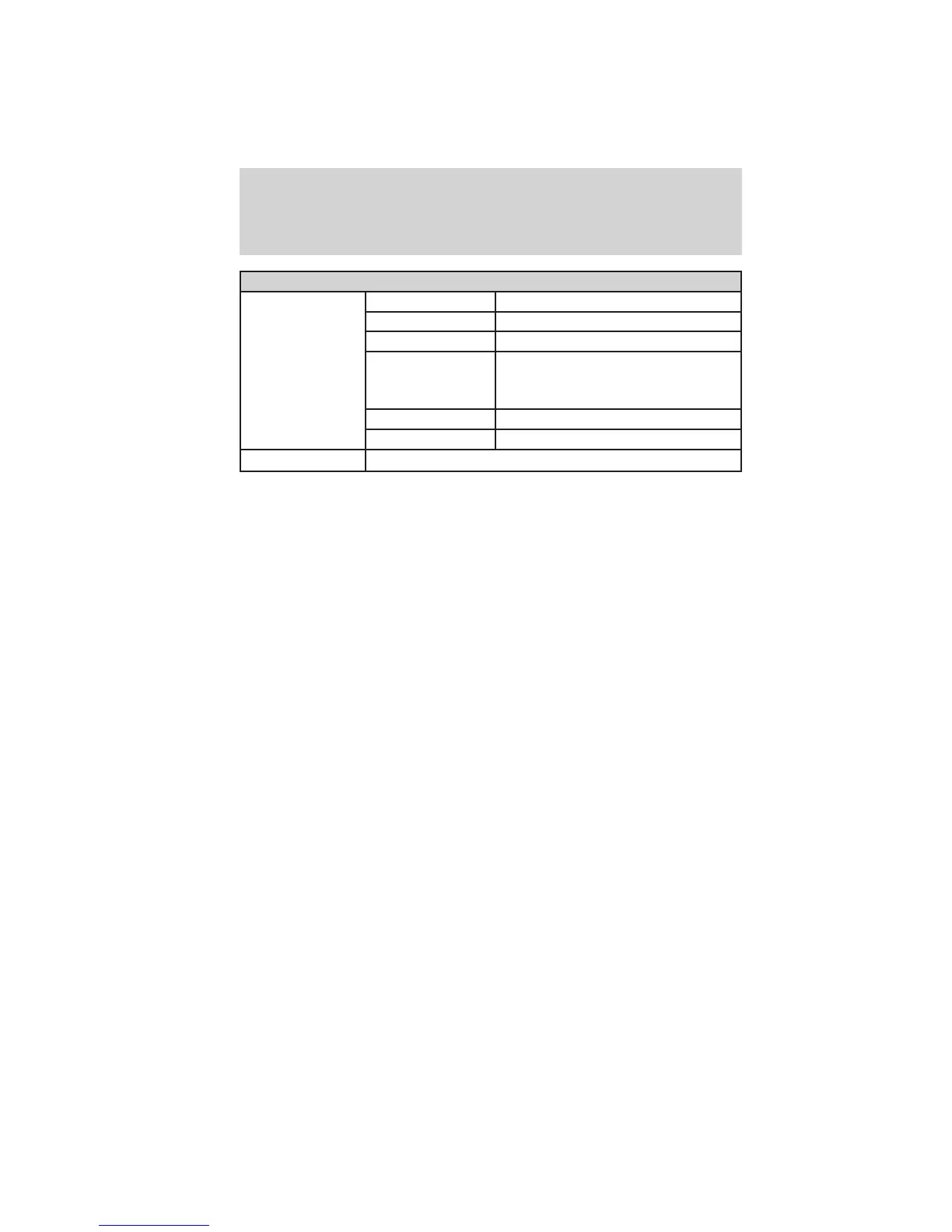
MyKey Create MyKey Hold OK to Create MyKey
Traction Ctrl Always On or User Selectable
Max Speed 80 MPH (130 km/h) or Off
Speed Warning 45 mph (75 km/h), 55 mph
(90 km/h), 65 mph (105 km/h) or
Off
Volume Limiter On or Off
Clear MyKeys Hold OK to Clear All MyKeys
System Reset Hold OK to Reset System to Factory Default
Note: Some items are optional and may not appear.
System Check
The number of warnings will be listed first. All active warnings will
display first if applicable. The system check menu may appear different
based upon equipment options and current vehicle status. Use the
up/down arrow buttons to scroll through the list; press the right arrow
button to display specific information on the highlighted warning.
System warnings and status messages
See System warning and status messages later in this chapter for more
information.
SYSTEM WARNINGS AND STATUS MESSAGES
System warnings alert you to possible problems or malfunctions in your
vehicle’s operating systems.
Note: Depending on the vehicle options equipped with your vehicle, not
all of the messages will display or be available.
In the event of a multiple warning situation, the message center will
cycle the display to show all warnings by displaying each one for a few
seconds.
The message center will display the last selected feature if there are no
more warning messages.
Types of messages and warnings:
• Some messages will appear briefly to inform you of something you
may need to take action on or be informed of.
• Some messages will appear once and then again when the vehicle is
restarted.
Instrument Cluster
26
2012 Focus (foc)
Owners Guide, 5th Printing
USA (fus)



 To Next Page