12
EN
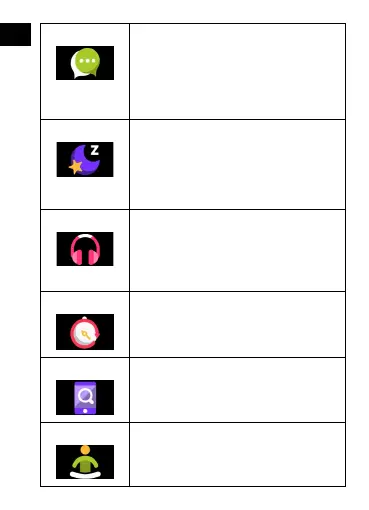
Messages
If the device is connected with a smartpho-
ne, after selecting the "Messages" icon, the
smartwatch will display the latest incoming
messages and notications.
Sleep
The smartwatch automatically monitors sle-
ep from 21:30 to 12:00. After waking up the
next day, the smartwatch will display the to-
tal number of hours slept. If the smartwatch
is connected to the "Forever GoFit" app via
Bluetooth, you can check the more detailed
sleep report in the app.
Music
After connecting the device to your smart-
phone, you can control music with it. You
can select the previous / next song, adjust
the volume and also play / stop music.
Timer
Tap the „Timer” icon to start the stopwatch
or timer function.
Find phone
If the device is connected to the applica-
tion, you can use the „Find phone” func-
tion. When you select the function, your
phone will ring and activate vibrations.
Relax
By clicking the „Relax” icon you will turn on
the breathing exercise function.








 To Next Page