6 l ENGLISH
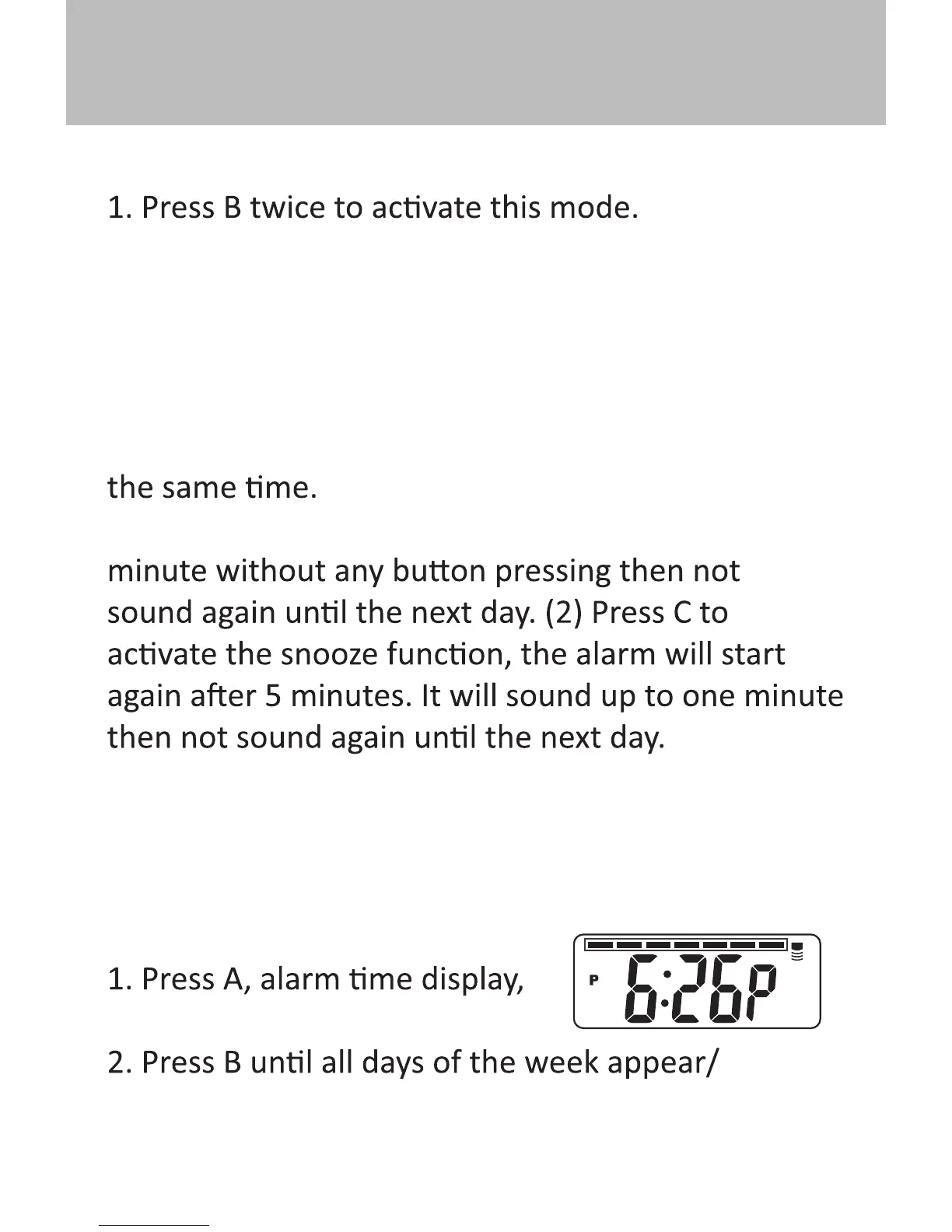
ALARM SETTING
2. Press C to advance the hour value.
3. Press A to select the minute and Press C to
change the minute value.
4. Press B to return to the normal mode.
Note 1: To turn the alarm ON/OFF, Press A and C at
Note 2: When the alarm is on, (1) it will last one
(3) Press A to stop the alarm.
HOURLY CHIME SETTING
To set the hourly chime ON/OFF, please do the
following:
then hold B simultaneously.
disappear.
ALARM & HOURLY CHIME SETTING



 To Next Page