Calibrate
• In the Setup Wizard window on
the right,
click Calibrate.
Follow the
instructions in the window to check
if calibration is required, and perform
calibration if needed.
2
Connect
• Remove and reinsert the battery
to turn on the internal Bluetooth
radio in knee.
•
Click Search.
Once the serial
number corresponding to the
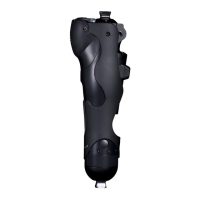
Plié is visible, click Connect.
1
Programming
Align
Plumb Line from bisected
socket should fall 0-5 mm
anterior to knee center
Program Plié 3 in
5 Minutes or Less
in 5 Easy Steps!
10mm
10 mm
Refer to Troubleshooting Tips in Table 3
if you see the knee drift into exion while
standing or a knee bobble at midstance.
Load Optimal
Settings
Enter or load optimal settings based on your patient’s
activity level found in Table 1. These settings establish thresh-
olds for swing release and stumble recovery parameters for
proper knee function for your patient.
Click More Params in
the Plié Control middle window. Type values into the box for
appropriate setting. Or, load previously saved les by clicking
File > Load Knee Settings and selecting the appropriate le.
3
Setting Recommended Value
Parameters Low K3 Mod K3 High K3
Toe Threshold (TT)
400
500
800
Swing Transition (ST)
400
500
800
Heel Threshold
3000
3000
3000
Algorithm Delay Time
105
105
105
Flexion Angle Timer
400
250
200
Pre-Swing Timer
100
100
150
Maximum Heel Rise
55 55 55
Maximum Swing Angle
1000
2200
2600
Maximum Open Spool
600
500
500
Minimum Open Spool
30
30
30
T
orque Boundary Limit
85
130
150
Maximum Swing T
orque
270
300
350
Table 1: Plié Control Program Settings
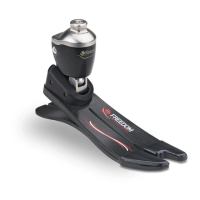
The Plié Control 6 software is required to program a Plié 3
MPC Knee. To download the software, please visit the Freedom
Innovations website at: www.pliesupport.com/download
Reference Guide


 To Next Page