25
STORAGE FEATURES
IMPORTANT
Do not use the Custom-Flex Zone to store fresh pro-
duce as these items may freeze and cause damage to
the fruits and leafy vegetables stored in the drawer.
CAUTION
Do not store glass bottles in the Custom-Flex Zone
when the temperature setting is in Freezer, Meat/
Seafood, or Cold Drink modes. The glass may
break and shatter, causing physical harm and injury.
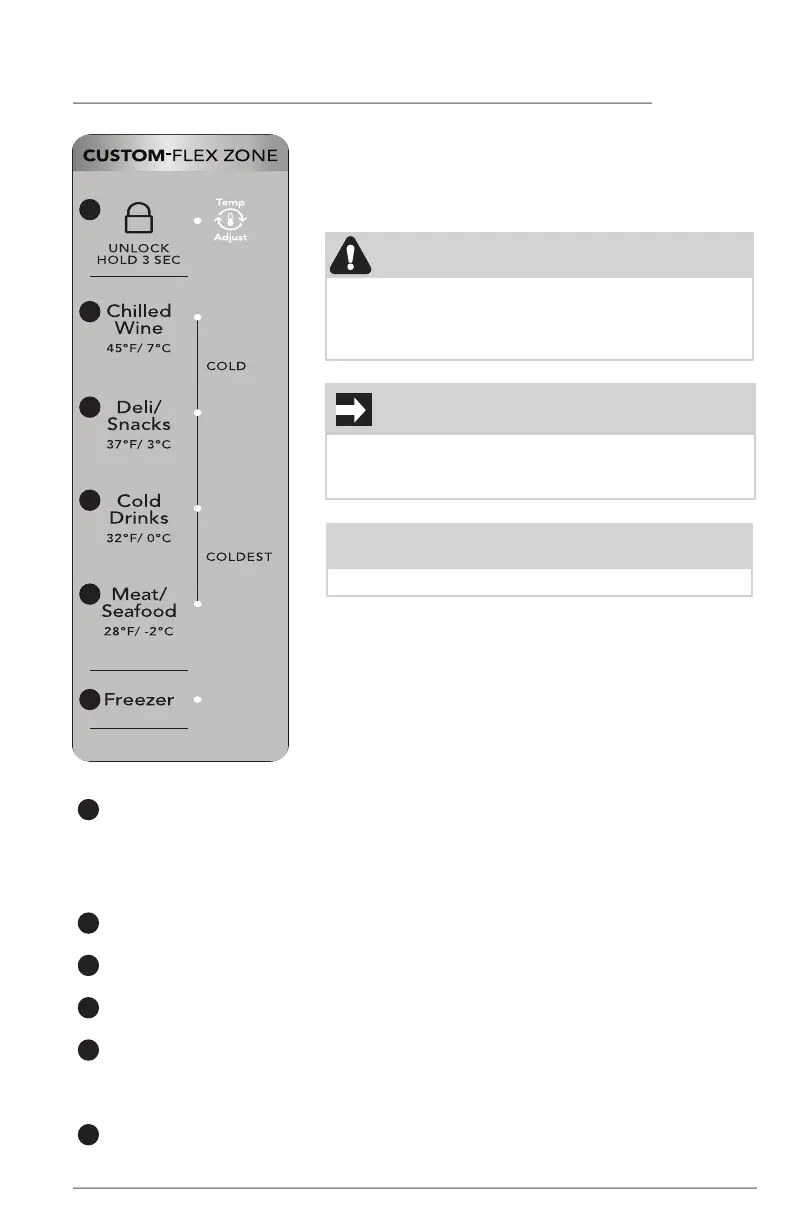
1
2
3
4
5
6
Using Your Custom-Flex Zone Controls
1
The Custom-Flex Zone automatically defaults to a locked state to prevent any
unwanted use. To change the Custom-Flex Zone’s settings, you must first unlock
it. To unlock, press and hold UNLOCK for 3 seconds. It automatically locks after
10 seconds without any interaction.
Refrigerator:
2
Choosing Chilled Wine sets the zone temperature to 45°F (7°C). A tone sounds
to confirm choice.
3
Choosing Deli/Snacks sets the zone temperature to 37°F (3°C). A tone sounds
to confirm choice.
4
Choosing Cold Drinks sets the zone temperature to 32°F (0°C). A tone sounds
to confirm choice.
5
Choosing Meat/Seafood sets the drawer temperature to 28°F (-2°C). A tone
sounds to confirm choice. Use this setting for short-term storage. Place any meat
to be kept longer than 2 days in the freezer.
Freezer:
6
To change the Custom-Flex Zone temperature when in the freezer temp setting,
use the appliance control display on the front door. Changing the temp on the
display changes both the Custom-Flex Zone AND the freezer temp settings.
NOTE
Temp Adjust stays lit until reaching the new set temp.
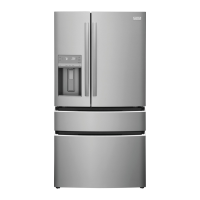
Custom-Flex Zone
You can adjust the Custom-Flex Temp Zone from
-6° F to 45° F, giving you versatility and control of
your appliance.



 To Next Page