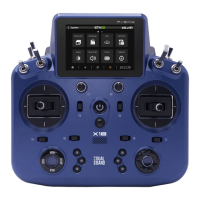
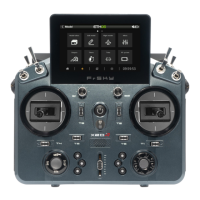
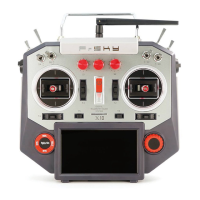
Comparison List
About USB 2S Li-battery balance charging :
The Green Power indicator LED state:
Led on: charging Led off: charge end Led flash: charge fault
Navigate the Menu
To navigate the menus, Taranis Q X7/X7S ACCESS has the following elements:
Encoder Button
MENU Button
PAGE Button
EXIT Button
Taranis Q X7/X7S ACCESS supports OpenTX system
Encoder Button
To navigate menus or widgets, turn the button to left or right as navigation.
MENU Button
To go to the [Model] menu, press the button.
To go to the [RADIO SETUP] menu, press the button, and hold for one second.
PAGE Button
To go to switch the page, press the button.
To go to the [Telemetry] menu, press the button, and hold for one second.
EXIT Button
To exit current page or operation widgets.



 To Next Page
 Loading...