To Next PageTo Next Page
 Need help?
Do you have a question about the FS UMC-GA1F2T and is the answer not in the manual?
 General
| Brand | FS |
|---|---|
| Model | UMC-GA1F2T |
| Category | Media Converter |
| Language | English |
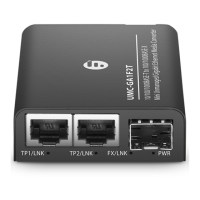
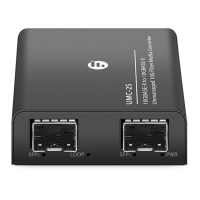
Details the RJ45 and SFP ports for specific media converter models, illustrating their layout and function.
Describes the status and meaning of LEDs on the UMC-GA1F1T model for link, speed, and power indicators.
Details the status and meaning of LEDs for the UMC-GA1F2T model, covering TP1, TP2, FX/LNK, and PWR indicators.
Addresses issues where the per-port LED indicator is not illuminated, suggesting cable connection checks.
Provides solutions for poor performance issues, often related to duplex mode settings on partner devices.
Helps resolve problems with inconsistent or irregular network traffic by checking duplex settings.
Guides users on how to fix issues where the converter does not connect to the network, including power cycling.