M02 without Clock Page 5 of 8
4) Brightness Setting:
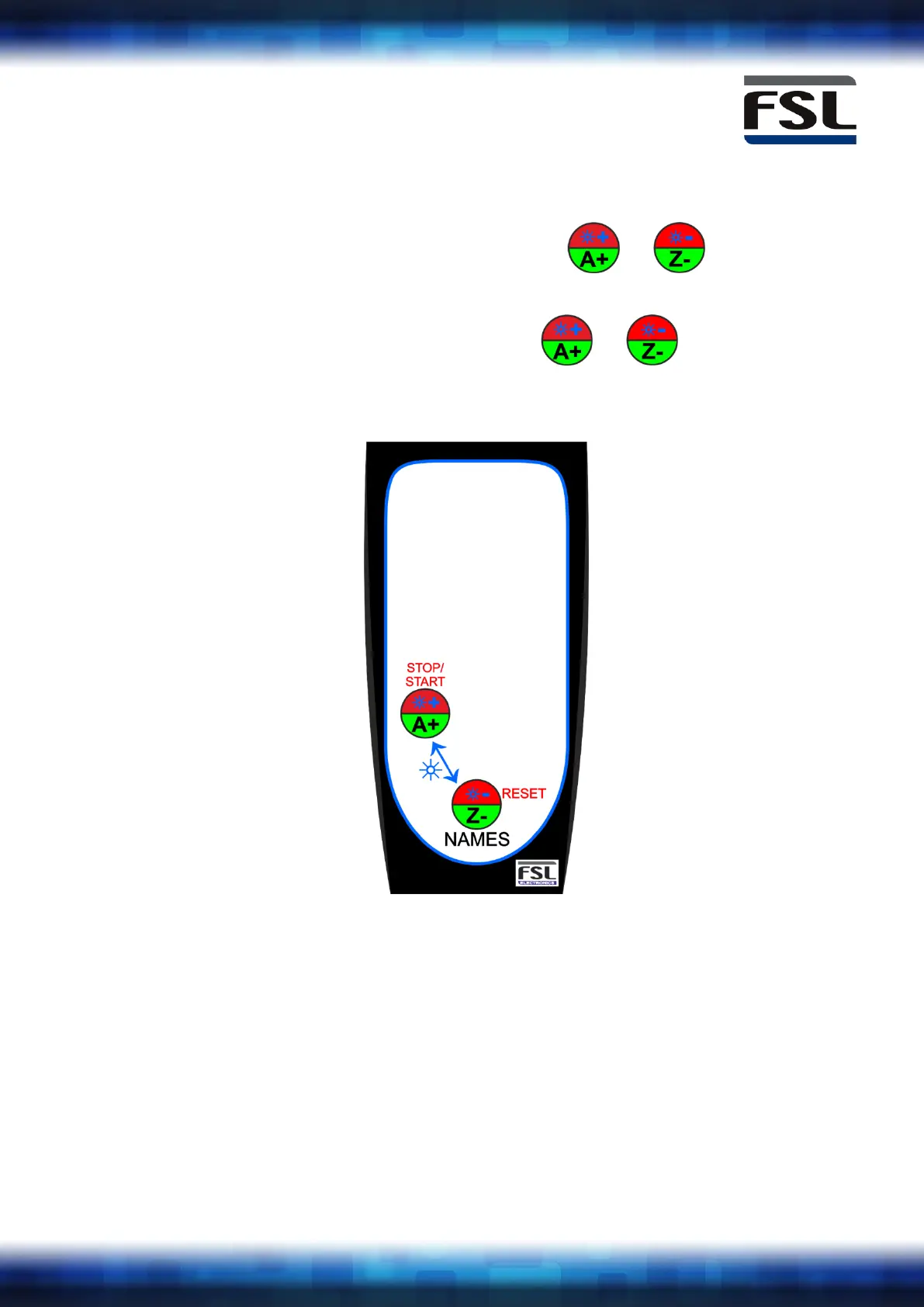
To access brightness setting, hold buttons & on the
handset together for 3 seconds until 'bl - ' is displayed
To exit brightness setting, hold buttons & on the
handset together for 3 seconds until the scores are displayed again



 To Next Page