EasyManua.ls Logo

FSN IPS740DG - External Monitor User Interface IPS710 A; Connecting and Controlling the External Monitor

FSN IPS740DG
48 pages
Print Icon
To Next Page IconTo Next Page
To Previous Page IconTo Previous Page
Loading...
21
10/2021
#PPNPS4UBOE
%JTQMBZ.POJUPST
#
P
PN
P
P
P
P
P
P
S
4UB
O
E
%J
%
%J
%J
%J
%J
T
T
TQ
TQ
TQ
TQ
TQ
TQ
M
MB
M
Z
.POJUPST
21
2))
0,&,1
'9,,1387
021,725287
56&
&$3785(
5(&25',1 287
&9%6
,1387
*6',
,1387
*6',
/223287
9$&
+]
/,1(
3('$/
$6 $6
External Monitor User Interface IPS710A
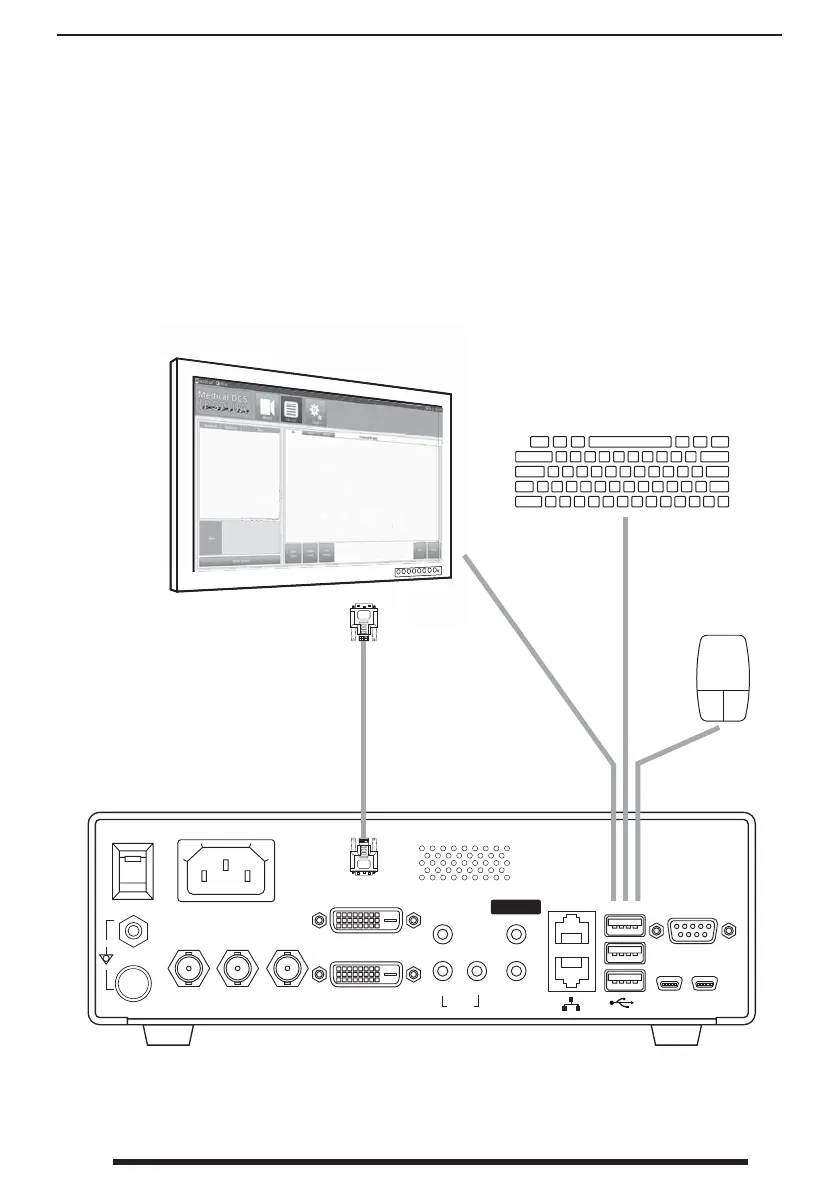
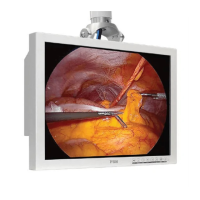
When an external monitor is connected to IPS710A, a built-in interface will show on the moni-
tor after IPS710A has initialized. This interface can be controlled with a mouse and keyboard
attached to IPS710A, or by using a touchscreen external monitor.
External monitor is
connected to the
DVI out port.
USB mouse and
keyboard
(if conventional
monitor is used).
USB cable
(if touchscreen
monitor is used).

Related product manuals