Precautions
Use CaddyTrek on golf courses only. Do not operate CaddyTrek in enclosed or confined areas or
environments. Radio frequency signals and/or interference, Wi-Fi or similar electronic signals while in other
environments other than outside on a golf course, may cause abnormal or erratic behavior of the caddy.
DO NOT let any object or towel block or hang in front of the sensors.
CaddyTrek will follow best when you position your body directly in front of the large wheels. Position
yourself as close as possible to CaddyTrek to perform U-turns or sharp turns. Walk slower when making turns
or changing direction.
Use caution when operating CaddyTrek in a confined area, on steep slopes, or side hills. Walk slowly or use
Manual Mode as needed. Walk slowly and guide CaddyTrek carefully to clear hazardous areas, water bodies,
bunkers, cliffs, etc. We recommend that you practice and familiarize yourself with the operation of Caddytrek
and how its sensors follow your handset before using on the golf course.
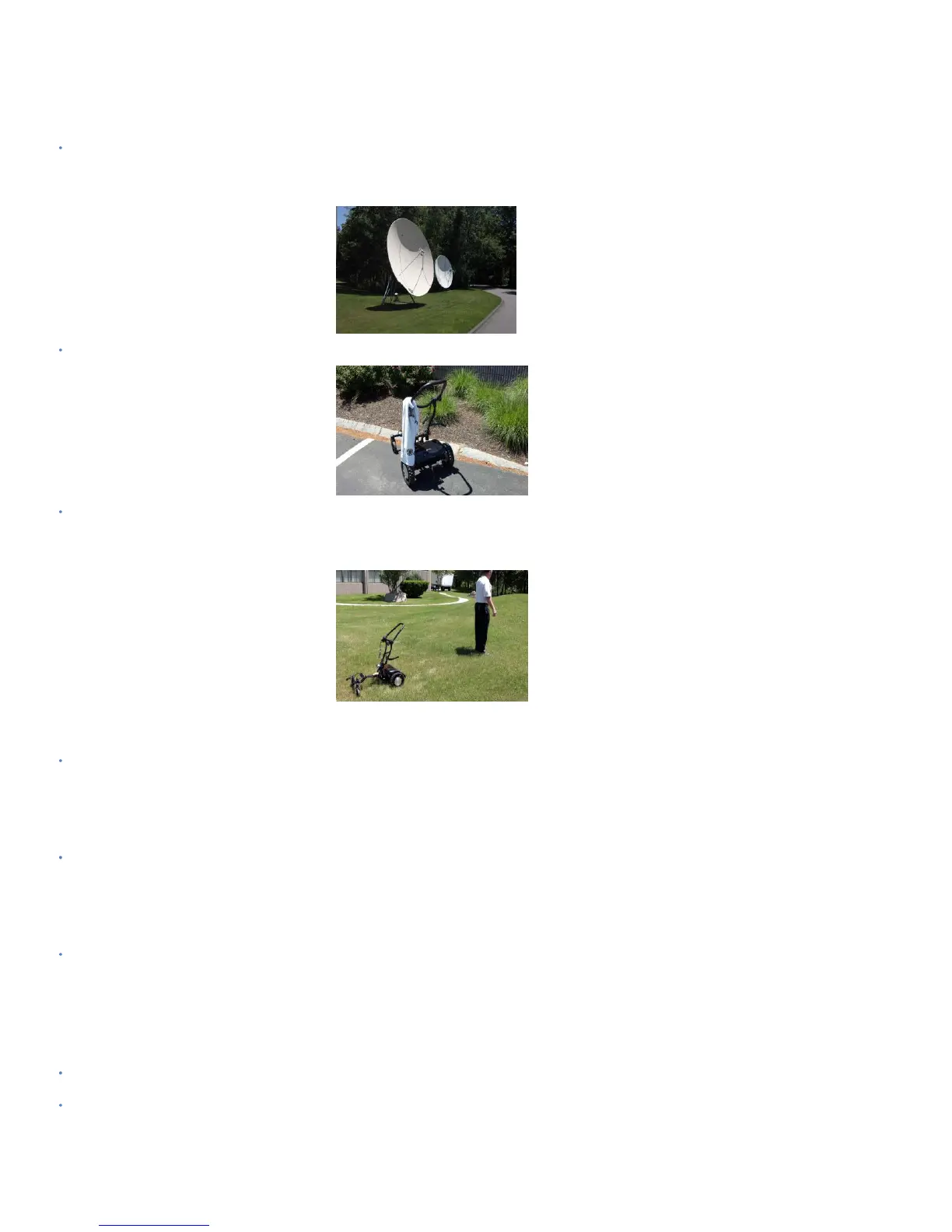
Overhead Electric Power Lines and/or nearby radar (airports or air base) can cause interference while using
the Follow Mode. We recommend if operating near Power Lines or Radar Towers use Remote Control Mode
for better results and no interference in these areas.
Gravel, crushed stone or uneven surfaces and paths may cause the Caddytrek’s Follow Mode signal to be
less responsive but depending on the surface conditions. You may either use it in Remote Control Mode for
more responsive results on these surfaces or walk at a pace which allows Caddytrek to remain closer to you to
ensure a better direct connect signal.
Do not direct CaddyTrek towards people, or other carts.
Do not discard the original shipping carton after unpacking your CaddyTrek. Should your CaddyTrek need
to be shipped for service, repacking in the original shipping carton would be needed. Keep the carton in a
safe and dry place.


 To Next Page
 Loading...